Frontier Technology Portal Independent technology analysis / Updated daily
Frontier Technology Portal logo
FRONTIER Technology Portal for the next wave of invention

Category: Consumer Electronics

Wearables, spatial computing, smart devices, chips, displays, and the next interface.

  • Your Smart TV Can Recognize What You Watch: What ACR Settings Actually Change

    Your Smart TV Can Recognize What You Watch: What ACR Settings Actually Change

    A smart TV can know more about your viewing than the app you opened. Even when a movie comes from a cable box or a game console connected through HDMI, the television may be able to identify what appears on its screen. The feature behind this is automatic content recognition, or ACR. It can power recommendations and program discovery, but it also raises a practical question: which viewing data is collected, and what does turning ACR off actually change?

    The answer depends on the television, market, and settings a household accepted. ACR is not a synonym for every form of TV tracking, and it should not be confused with an app’s own viewing history. Understanding those boundaries makes a privacy decision more useful than simply toggling an option with an unfamiliar name.

    How a TV can recognize a picture without recording the whole program

    ACR compares a compact signature of displayed content with a reference catalog. Roku’s support explanation says its system creates an encrypted fingerprint from a sample of screen pixels and matches it against a catalog of content, games, and ads. If a title is not in that catalog, the system may not identify it. Samsung likewise describes generating signatures when its optional Viewing Information Services feature is enabled.

    That distinction matters. A signature is not the same thing as uploading a complete video recording. It can still reveal what someone watched, when, and for how long if a match is made. Samsung’s ACR support page says information associated with its feature may include viewing history, a personalized service identifier, and IP address. The details of collection and retention are product-specific, so a household should read the notice shown on its own TV rather than assume that one company’s design describes all others.

    HDMI inputs are part of the privacy picture

    A streaming service already knows what you select within its app. ACR addresses a different visibility problem: the television can potentially recognize material displayed from an antenna, set-top box, disc player, or game console. Roku’s current privacy policy explicitly discusses optional ACR for content accessed through a TV antenna and connected devices, including game consoles and media players. It also says the data collected can vary by device and by when Smart TV Experience was enabled.

    A 2017 FTC enforcement case involving Vizio illustrates why the distinction is significant: the agency alleged that viewing data was gathered from multiple sources shown on televisions without adequate disclosure and consent. That historical case should not be read as a description of every TV sold today. It does show why meaningful privacy choices must cover the television’s own recognition layer, not only individual apps.

    Why companies offer the feature

    Manufacturers describe several uses. ACR can help a TV identify a program, find related episodes, offer a way to start a show from the beginning, or tailor recommendations. Roku’s “More Ways to Watch” is one concrete example; its support page says the feature requires ACR and is currently supported only in the United States. The same recognition data may also support measurement and advertising uses under applicable agreements.

    LG’s recent statement on smart-TV privacy says ACR-related information may, depending on market and user choices, be shared with LG Ad Solutions for audience analysis and, where separately consented to, advertising-related purposes. The scope of a particular setting cannot be inferred from a feature name alone. Read whether a consent screen covers recommendations, measurement, personalized ads, or data sharing, and whether those choices are separate.

    Turning off ACR does not make a connected TV invisible

    This is the most important limitation. Roku’s privacy policy says disabling ACR stops its use on the device, but Roku can still receive information about streaming activity and interactions through other methods. The TV platform, installed apps, advertising services, and a connected streaming device may each have their own account and telemetry. ACR is one data pathway, not the whole privacy stack.

    Turning a setting off also does not necessarily erase information previously collected. Roku’s support page says data collected while its ACR feature was enabled is retained after a user disables it. Deletion or access requests, where available, are separate from opting out of future collection. Procedures and rights vary by company and location, so the product’s current privacy controls and policy are the right starting points.

    Local processing can reduce some data transfers, but it does not by itself explain what a service retains. The same distinction comes up in on-device AI privacy claims: where a computation happens and what information is subsequently shared are separate questions.

    Connected-device privacy has this layered character elsewhere in the home. Our guide to Matter smart-home setup explains why a common device standard does not erase differences among the ecosystems that manage those devices. A television’s HDMI connection is similarly just one piece of a wider service relationship.

    A practical privacy check for a new or existing TV

    Start on the television itself, not only in the streaming app. Open its privacy or terms-and-services area and look for labels such as Automatic Content Recognition, Viewing Information Services, Smart TV Experience, interest-based ads, or viewing-data sharing. The exact names and menu paths differ among brands, software versions, and regions. Samsung says its optional ACR choice can be changed in TV settings; Roku documents a path through Settings, Privacy, and Smart TV Experience for supported devices.

    Next, separate the choices. You may be able to decline ACR while keeping core television functions, but another setting may govern ad personalization or sharing. LG says essential services can remain available without optional data-driven features in some markets. Do not assume that disabling personalized ads also disables recognition, or that opting out of recognition closes every app-level data channel.

    Finally, review the accounts and apps connected to the TV. Check each streaming service’s privacy controls and whether a separately connected box or console has its own analytics settings. If you care about a past collection period, look for the provider’s access or deletion process instead of relying only on a forward-looking toggle. Keep a note of which controls you changed; software updates and device resets can make the menu worth revisiting.

    Protecting those accounts is a separate task. A stronger sign-in method can help prevent account takeover, but it cannot replace a viewing-data choice; our passkey and account-recovery guide explains that security boundary.

    What ACR controls cannot promise

    A vendor’s description of opt-in behavior is not a hands-on audit of every television or every region. We have not tested the data flows of specific models. Some functionality may differ by country, app, firmware, or whether the TV was configured before a policy change. Connected streaming services can still observe activity within their own apps even when the TV’s ACR option is off.

    Nor does this imply that all personalization is harmful. A household may value program discovery and choose to share data for it. The important test is whether the choice is understandable and whether the television distinguishes useful features from broader measurement or advertising uses. Privacy decisions are stronger when a product makes those distinctions visible and reversible.

    What to watch next

    Watch for clearer on-device explanations that show exactly which inputs and services a viewing-data setting covers, along with plain retention and deletion controls. More independent testing of consent flows and network behavior would help consumers compare products on evidence rather than vague labels. Manufacturers’ policies may change, so a current disclosure is more useful than an old screenshot of a menu.

    The practical takeaway is simple: ACR can recognize content appearing on a TV, including some external inputs, but disabling it addresses only that recognition pathway. A full privacy check also covers platform services, streaming apps, advertising preferences, and previously stored data.

    Primary and authoritative sources

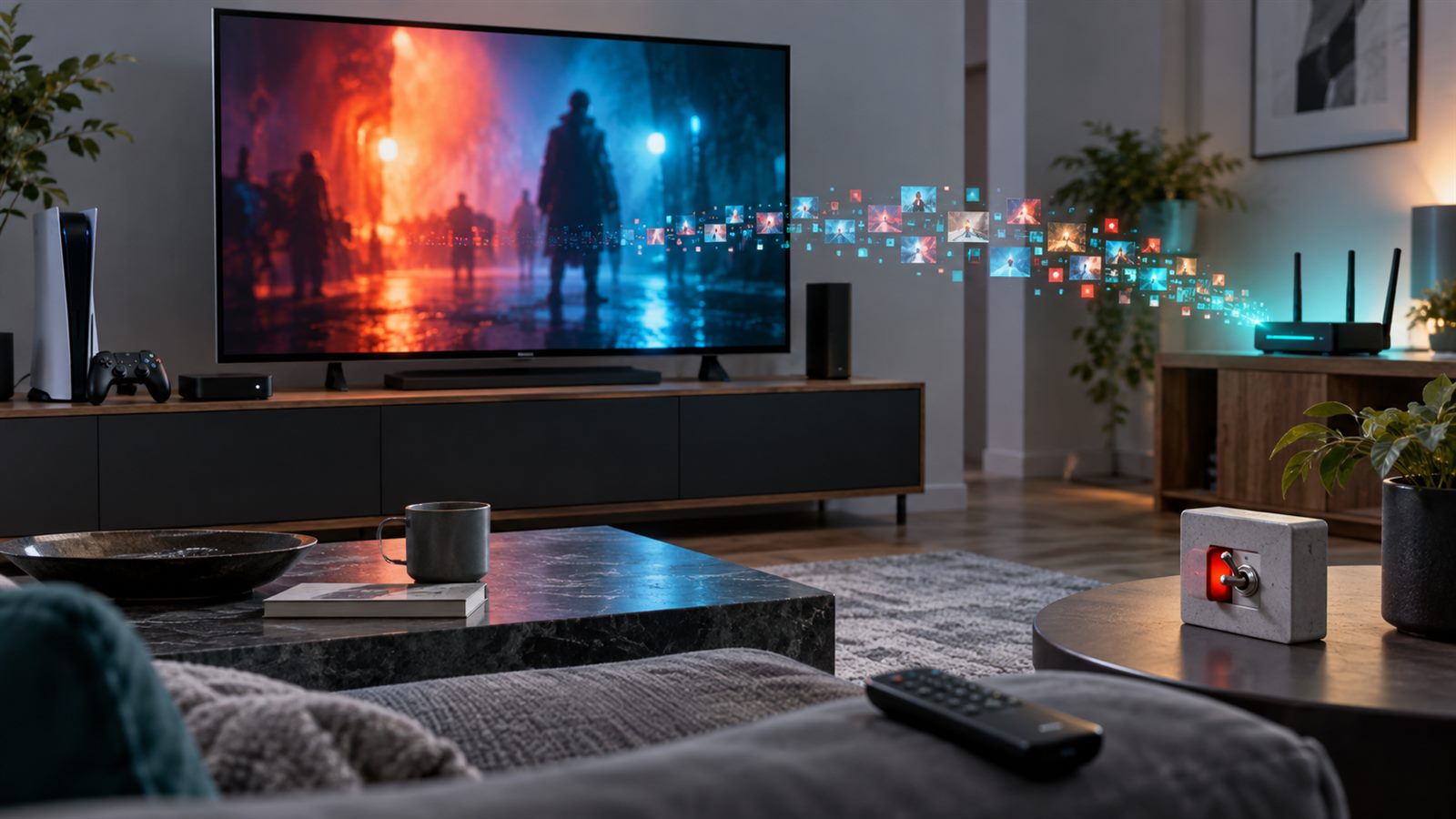
    Featured image is an AI-generated editorial illustration, not a photograph of a specific television or an actual data-flow test.
  • An HDMI Version Number Does Not Guarantee Your Video Mode

    An HDMI Version Number Does Not Guarantee Your Video Mode

    A television, game console, and AV receiver can all advertise a recent HDMI specification and still refuse the video mode a buyer expects. The connector fits, the picture appears, yet 4K at 120 frames per second may be unavailable, high dynamic range may fall back to a lower color format, or variable refresh rate may disappear when the signal passes through a receiver.

    The reason is simple: an HDMI specification version describes a large toolbox, not one mandatory feature bundle. The final result depends on the source, every intermediate device, the selected ports, the cable, the display, and the exact video format. A version number is the start of a compatibility check, not the conclusion.

    The connector, specification, and implementation are separate

    The familiar Type-A connector has remained physically compatible across many HDMI generations. That continuity is useful, but it means identical-looking ports can support very different signaling rates and features. A port’s shape cannot reveal whether it uses older transition-minimized differential signaling, newer Fixed Rate Link channels, or a particular maximum bandwidth.

    This is similar to the confusion around USB-C capabilities: a common connector does not guarantee a common data rate, power level, or video mode. Product documentation must identify what the implementation actually supports.

    HDMI 2.1 features are optional

    HDMI Licensing Administrator addresses the issue directly in its official explanation, What Does It Mean When Gear Is Marketed as an HDMI 2.1 Product? It states that support for each HDMI 2.1 feature is optional and that specification version numbers are not feature sets. Manufacturers are expected to list the supported features alongside a version claim.

    That means a product associated with HDMI 2.1 does not automatically provide the specification’s maximum 48 gigabits per second, 4K at 120 Hz, Variable Refresh Rate, Auto Low Latency Mode, Quick Frame Transport, enhanced Audio Return Channel, or every dynamic-HDR capability. It may implement some, many, or only a limited subset.

    A video mode is a bandwidth budget

    Resolution and refresh rate are only two parts of the signal. Color depth determines how many bits describe each channel. Chroma sampling controls how much color detail is transmitted relative to brightness detail. Blanking intervals and signaling overhead also consume link capacity.

    A 4K 120 Hz signal at 10-bit color with full 4:4:4 chroma needs far more bandwidth than 4K 120 Hz at 8-bit color with 4:2:0 subsampling. Display Stream Compression can fit some demanding formats into a lower transport rate, but both endpoints must support the relevant compressed mode. A menu that offers the resolution may therefore change color depth or chroma behind the scenes.

    TMDS and FRL are different transport modes

    Earlier high-speed HDMI links commonly use TMDS, with up to 18 Gbps associated with the Premium High Speed cable category. That is sufficient for many 4K 60 Hz configurations, including HDR when the format fits the available bandwidth.

    HDMI 2.1 introduced Fixed Rate Link, or FRL, with multiple link rates up to 48 Gbps. The official HDMI 2.1 release identifies 4K120 and 8K60 among the higher formats enabled by the specification. A device can still use compatible older transport behavior for less demanding modes, so the phrase HDMI 2.1 alone does not prove that a particular port implements the fastest FRL rate.

    The slowest component sets the result

    A direct source-to-display connection has three main elements: the source port, the cable, and the display port. A soundbar, switch, capture device, wall plate, extender, or AV receiver adds another input, output, and processing stage. Every stage must pass the requested timing and feature.

    If an AV receiver accepts 4K120 on only some inputs, connecting the console to another input creates a bottleneck. If the receiver passes the picture but not VRR metadata, the display cannot restore VRR later. Audio Return Channel runs in the opposite direction and has its own requirements, so successful video transport does not by itself prove that eARC audio will work.

    Firmware and settings also matter. Some televisions reserve full-bandwidth operation for selected ports or require an enhanced-input mode. Receivers can have per-input format settings.

    Gaming features are separate from pixel bandwidth

    Variable Refresh Rate changes display timing to follow the source’s rendered frame rate. Auto Low Latency Mode signals that a display should enter an appropriate low-latency mode. Quick Frame Transport reduces the time required to transmit an individual frame at a given timing. These features solve different problems and must be supported across the relevant chain.

    The official HDMI gaming overview lists VRR, ALLM, and QFT separately. A port can have enough raw bandwidth for 4K120 without implementing every gaming feature. Our deeper guide to variable-refresh-rate behavior also explains that feature presence does not guarantee flicker-free or low-latency performance across the entire refresh range.

    HDR support needs more than a link that passes pixels

    HDR combines signal format, metadata, color processing, and display capability. An intermediate device must preserve the required format and metadata, while the panel still needs enough brightness and local contrast.

    Our article on HDR monitor brightness claims separates peak highlights from sustained full-screen output. HDMI compatibility can deliver the intended signal; it cannot upgrade the physical display.

    Certified cables solve one part of the chain

    The Ultra High Speed HDMI Cable certification program covers cables designed for systems up to 48 Gbps. Every length of a certified model must pass testing at an authorized test center, carry a verification label, and remain subject to compliance audits. A certified cable is a stronger signal than an unofficial “8K” description.

    Certification proves cable performance under the program’s tests; it does not add FRL or VRR to a source or display. Cable length, installation bends, adapters, and active or optical cable direction can still matter. Troubleshooting should begin with a known certified cable and a direct connection, then add intermediate devices one at a time.

    HDMI 2.2 raises the ceiling, not every product

    The current HDMI 2.2 overview doubles the specification’s maximum bandwidth to 96 Gbps through next-generation FRL and introduces Latency Indication Protocol for synchronization across complex systems. The Ultra96 designation is intended to identify products supporting maximum rates of 64, 80, or 96 Gbps.

    A new Ultra96 cable category supports the 96 Gbps ceiling, while existing Ultra High Speed cables remain appropriate for systems that require up to 48 Gbps. The distinction reinforces the practical rule: identify the required video format and the supported bandwidth of each product rather than buying by version number alone.

    A practical compatibility checklist

    Start with the exact output format and feature set you want. Check the source’s port table, not only its headline specification. Check which display inputs support the required rate, VRR range, HDR mode, and eARC behavior. If there is an intermediate device, verify both its input and output capabilities for the same mode.

    Use the official HDMI cable categories and a verifiable certification label. Update firmware, enable any enhanced-port settings, and test a direct connection. If the mode works directly but fails through a receiver or switch, the intermediate stage is the likely constraint. If dropouts occur only at high data rates, substitute a shorter certified cable before blaming software.

    Limitations and what to watch next

    Published specifications cannot guarantee interoperability among every device combination. Firmware bugs, inaccurate capability data, marginal signal integrity, and format negotiation can still cause failures. Marketing terms such as “8K ready” or “next generation” are less useful than a table of tested timings and features.

    Watch for clearer Ultra96 labeling, broader 96 Gbps device support, and better disclosure of per-port bandwidth. Until then, the best buying question is not “Which HDMI version does it have?” It is “Can every part of this chain carry this exact video and audio mode?”

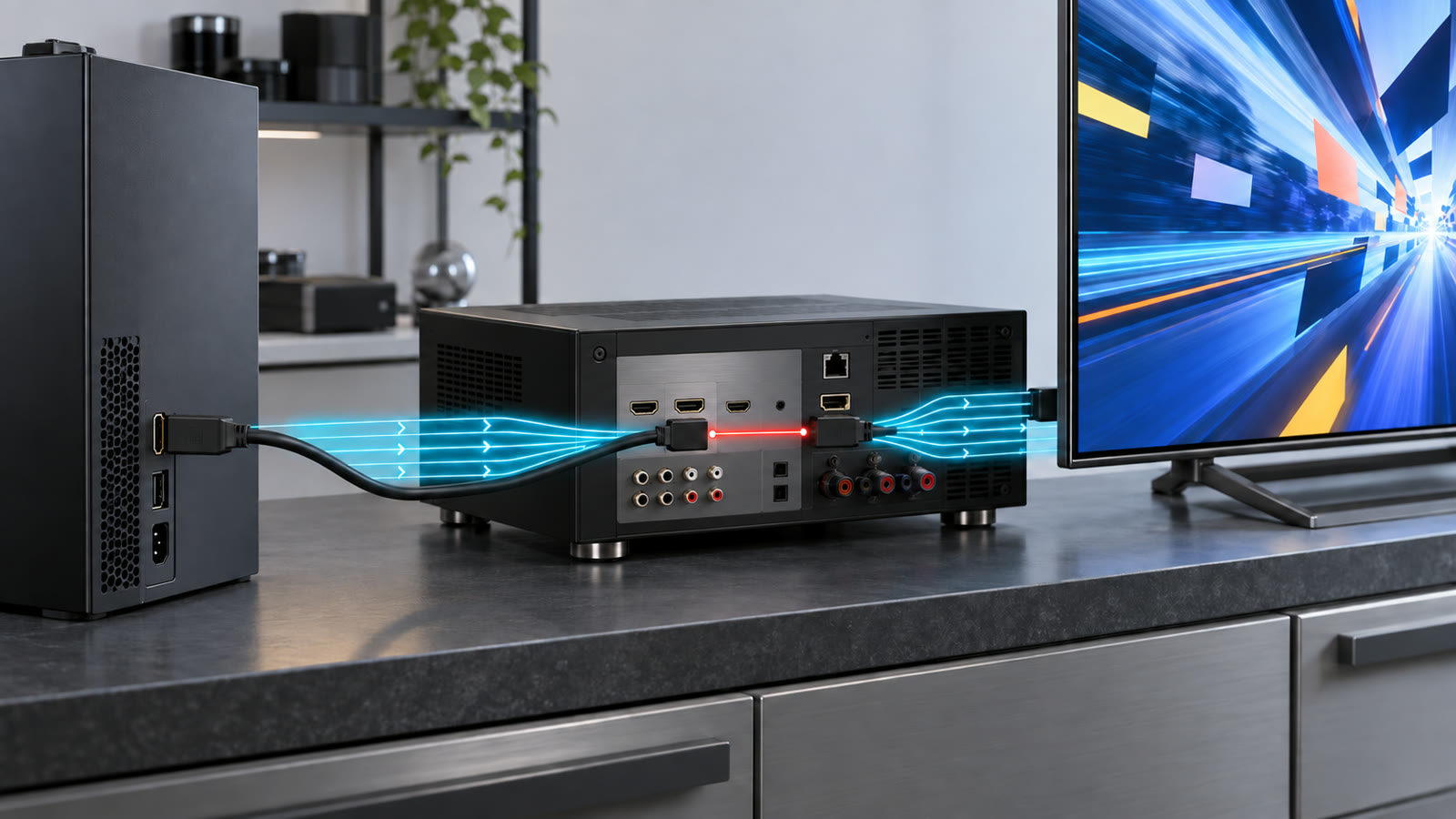
    Featured image: AI-generated editorial illustration of a source, receiver, cable, and display bandwidth chain, not a test of a specific consumer product.

    Primary sources

  • How to Read an HDR Monitor’s Brightness Claims

    How to Read an HDR Monitor’s Brightness Claims

    A monitor advertised at 1,000 nits might produce that brightness in a small highlight without maintaining it across the whole screen. Another display with a lower headline number might preserve dark detail more convincingly. Neither observation makes the specification useless. It means the measurement needs context.

    HDR, or high dynamic range, is about reproducing a wider span between dark and bright image details. For a useful comparison, separate three questions: can the monitor accept the signal, what light and color can it actually reproduce, and under which conditions was that performance measured? This is a standards-based explainer, not a hands-on review of particular monitors.

    Read the test conditions beside the brightness number

    A nit is one candela per square meter, a unit of luminance. But a number without a test area and duration is an incomplete description. A small white patch, a brief white flash, and a sustained full-screen white image place different demands on a display.

    VESA’s DisplayHDR performance criteria distinguish an 8% center-patch test, a full-screen flash, and a long-duration full-screen test. The table makes the difference concrete: DisplayHDR True Black 400 requires at least 400 nits in the center-patch test, but 250 nits in its full-screen flash and sustained tests. These are certification minimums, not measurements of every certified product.

    That does not mean the screen is mislabelled. It means its tier summarizes several requirements. When comparing two product pages, look for matching test conditions before treating the bigger number as a win. A bright reflection occupying a tiny part of a movie is not the same workload as a mostly white desktop.

    Contrast and color determine what survives between the extremes

    Peak white tells you little about a dim object beside a bright one. In an LCD, light comes from a backlight passing through the panel; local dimming divides that backlight into separately controlled regions. VESA’s technical FAQ explains this distinction from global dimming, which adjusts the whole backlight together. The design affects how independently nearby bright and dark areas can be reproduced.

    The DisplayHDR 1.2 announcement describes tests beyond maximum brightness, including color accuracy, shadow detail, contrast, and changes caused by subtitles. Their practical relevance is straightforward: a dark coat should retain texture, and adding a bright subtitle should not noticeably disturb an otherwise stable scene.

    Color coverage and color accuracy also answer different questions. Coverage describes the range of colors available; accuracy asks whether requested colors appear correctly. A monitor can advertise a wide gamut without reproducing every color faithfully. The 1.2 update added color-accuracy testing across multiple luminance levels, so certification carries information that a single brightness figure cannot.

    The certification version matters alongside the tier

    Two products carrying the same numerical tier did not necessarily pass the same generation of tests. VESA released compliance test specification, or CTS, version 1.2 in May 2024 with stricter requirements and additional checks. An older product’s logo does not automatically mean it was tested under those newer conditions.

    VESA also states that existing certifications do not expire and recertification is not mandatory. That is important for older models still on sale. Check the exact model in the official certified-products directory, including its CTS version where listed. Do not assume a new retail listing, a familiar series name, or a nearby model number proves that a particular display passed the newer tests.

    Likewise, keep DisplayHDR and DisplayHDR True Black tiers distinct. Their requirements are tailored to different display characteristics. Treating the number as one universal ranking discards the rest of the certification.

    Tone mapping connects the content to the panel

    An HDR scene can contain brightness values beyond what the attached display can show. Tone mapping translates that range into the display’s capabilities while trying to preserve the intended picture. Microsoft’s Advanced Color documentation explains why HDR applications need to account for display characteristics rather than simply send every value unchanged.

    That creates a distinction between accepting HDR and displaying it well. The file, player or game, operating system, graphics output, connection, and monitor settings all participate. A specification showing HDR input support establishes compatibility, not the final contrast or highlight detail you will see.

    When troubleshooting, record the active picture mode and application rather than changing every control at once. An excessively bright-looking picture is not necessarily more accurate, and missing highlight detail is not automatically evidence that the panel lacks brightness. Signal interpretation and tone mapping need checking too.

    Calibration helps the workflow, not the hardware limits

    On Windows 11, Microsoft’s HDR Calibration app guidance describes patterns for dark detail, bright detail, and maximum brightness. Microsoft recommends using normal viewing-room lighting and warns that display post-processing can affect the app’s behavior. It also cautions that pushing saturation too far can make colors look unnatural.

    Use the correct display, enable HDR, and follow the full-screen patterns rather than copying another owner’s slider values. Calibration is a way to describe and adjust a particular setup. It cannot add dimming zones, increase the panel’s physical output, or turn an uncertified display into a certified one.

    For deeper investigation, VESA publishes DisplayHDR test tools and documentation. Viewing a pattern can reveal an obvious problem, but a home visual check is not equivalent to a calibrated laboratory measurement or formal certification.

    Build a comparison around your actual use

    Consider two hypothetical readers. One watches films with subtitles in a dim room; the other works with bright documents and plays games in daylight. They should not select a monitor from the same peak-brightness column alone. Their comparison should include the scene types, room conditions, and operating modes they expect to use.

    • Verify the identity: match the exact model, certification family, tier, and CTS version. Keep manufacturer claims separate from published measurements.
    • Compare like with like: ask for small-area and sustained full-screen brightness, along with black-level and shadow-detail observations.
    • Check the complete setup: confirm that the chosen port, adapter, resolution, and refresh-rate combination supports the intended HDR mode. Our USB-C capability guide explains why connector shape alone is insufficient.
    • Separate motion from HDR: assess refresh behavior and latency independently. Our variable-refresh-rate explainer covers that different set of tests.

    What the badge cannot settle, and what to watch next

    A certification provides a defined performance floor, not a complete personal recommendation. It does not replace checking reflections in your room, text appearance, ergonomics, warranty terms, or the particular apps you use. This article does not rank products or claim that we measured any monitor.

    The most useful future product reports will make test conditions easier to compare: patch size, duration, picture mode, calibration state, and firmware alongside each result. Look for evidence about difficult mixed-brightness scenes, not only spectacular demonstration clips. A credible HDR specification should help predict the whole picture, not merely its brightest moment.

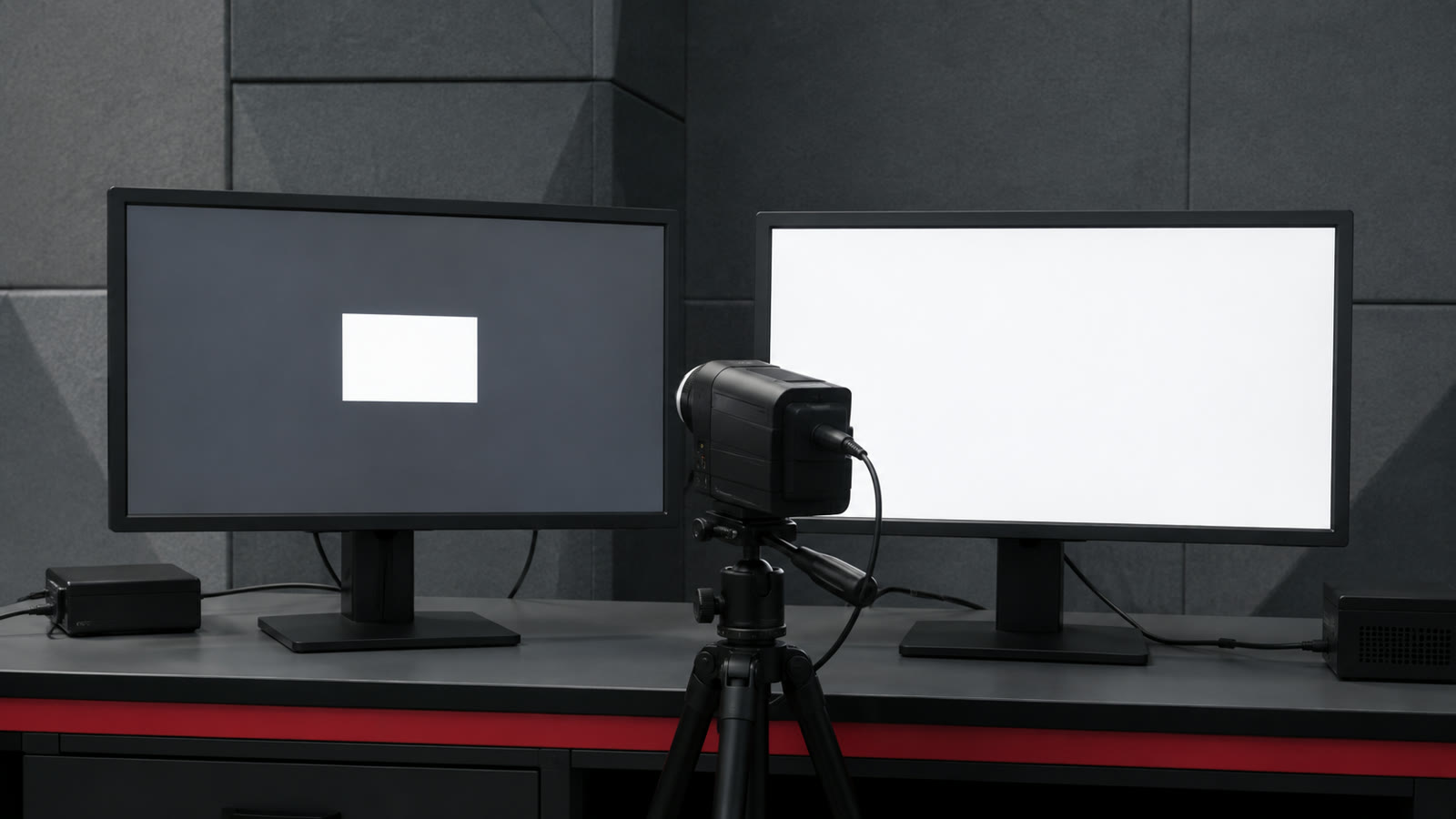
    Featured image: AI-generated editorial illustration of display measurement setups. It is not a photograph of a product test or a representation of measured results.

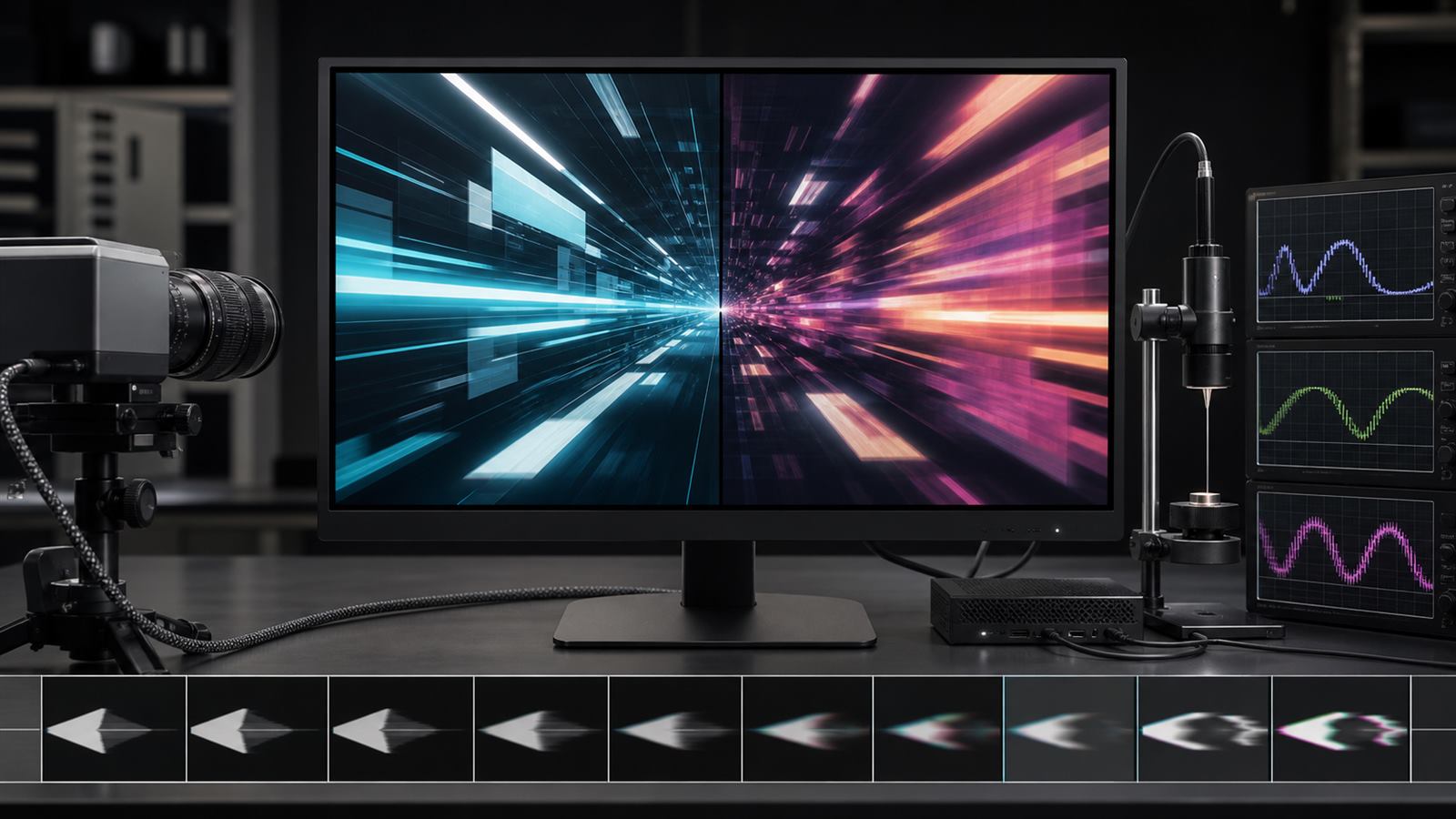
  • Variable Refresh Rate Needs More Than a High Maximum Number

    Variable Refresh Rate Needs More Than a High Maximum Number

    A monitor advertised at 240 or 360 hertz can refresh very quickly, but a game does not necessarily produce a new frame at that exact rhythm. Complex scenes take longer to render than simple ones, background tasks interrupt the processor, and frame times can change from one moment to the next.

    Variable refresh rate, or VRR, lets the display wait for a frame instead of refreshing on a rigid schedule. The result can reduce tearing and judder, but the maximum refresh number is only one boundary of the system. Smooth performance also depends on the usable VRR range, low-frame-rate handling, flicker, pixel response, overshoot, transport, and total latency.

    Fixed refresh creates a timing mismatch

    A fixed-refresh display scans a new image at regular intervals. If the graphics processor replaces a frame while the display is scanning, the screen can show portions of two frames at once, producing a horizontal tear. Traditional vertical synchronization avoids that by waiting for the next refresh, but the wait can add latency or repeat a frame when rendering misses the deadline.

    VRR changes the display interval to follow the source within a supported range. A frame can be scanned soon after it is ready, reducing the need to choose between tearing and a rigid synchronization delay. The display and source still need buffers, scanout logic, panel driving, and image processing, so VRR does not make the pipeline instantaneous.

    The operating range matters as much as the ceiling

    A display might advertise a high maximum rate while supporting variable operation only above a much higher minimum. When rendering falls below that minimum, the source or display must repeat frames so the physical refresh remains inside the supported range. This is often called low-frame-rate compensation.

    The public VESA Adaptive-Sync Display Compliance Test Specification tests common video rates and describes integer frame multiplication when content falls below a panel’s adaptive range. For example, a 24-frame-per-second source can be doubled or tripled to fit a higher minimum. Repetition preserves the presentation cadence; it does not create new motion information.

    A wide range, such as 48 to 240 hertz, generally gives the system more room than a narrow range near the top. Buyers should verify the range at the intended resolution, bit depth, input, and display mode because not every combination exposes the same limits.

    Maximum refresh rate is not end-to-end latency

    At 240 hertz, one refresh interval is about 4.2 milliseconds; at 120 hertz it is about 8.3 milliseconds. Those intervals describe scan opportunities, not the entire delay between an input and visible pixels.

    Input sampling, game simulation, CPU scheduling, graphics rendering, queueing, interface transport, display processing, panel scanout, and pixel transition all contribute. A higher refresh rate can reduce parts of that chain and provide more frequent visual updates, but a long render queue or slow display mode can erase much of the benefit.

    HDMI treats related functions separately. The current HDMI 2.2 technology overview lists VRR for variable frame delivery, Auto Low Latency Mode for selecting a low-latency display mode, and Quick Frame Transport for reducing transport time. Their separate names reflect separate jobs.

    Pixel response must keep up with the scan

    A display can accept a new frame before its pixels have finished changing from the previous one. Slow gray-to-gray transitions leave trails or blur behind moving objects. The response also varies by starting and ending shade, so one best-case transition does not characterize the panel.

    Manufacturers use overdrive to push a pixel harder and reach the target sooner. Too much overdrive overshoots or undershoots the target luminance, creating bright or dark inverse trails. Settings tuned for the highest refresh rate may behave differently when VRR lowers the rate and gives each transition more time.

    VESA’s Adaptive-Sync Display 1.1 update expanded gray-to-gray testing and tightened how overshoot and undershoot are evaluated. That is more informative than a single response-time number measured under an undisclosed overdrive mode.

    Variable timing can reveal flicker

    A panel’s brightness response can change with refresh interval. When frame time varies sharply, differences in drive voltage, compensation, or pixel behavior may appear as flicker, especially in dark scenes. The problem can be intermittent because it depends on the sequence of frame times, not just the average rate.

    The VESA test procedure therefore includes static rates plus dynamic zigzag, abrupt, sine-wave, and random changes across the supported range. A display that is stable at 60 and 144 hertz separately can still show a luminance change while moving between them.

    Flicker severity also depends on brightness setting, content level, panel technology, and firmware. A review should state the tested conditions rather than claiming a panel type is universally immune or universally affected.

    Frame pacing starts before the display

    VRR can present uneven frames without tearing, but it cannot make uneven computation smooth. If a game alternates between very short and very long render times, the motion can still feel inconsistent. Average frames per second hides those spikes.

    Useful performance reporting includes frame-time distributions, low-percentile frame rates, and traces that reveal compilation, asset streaming, or CPU stalls. A display can faithfully show every irregular delivery interval while the underlying software remains the problem.

    This is similar to evaluating on-device AI beyond a peak throughput number: sustained behavior and the complete workload matter more than an isolated ceiling.

    The source, interface, cable, and display must agree

    VRR is an interaction between a graphics source and a display over a supported interface. The operating system, driver, game mode, port, cable, resolution, color format, and firmware can all affect whether it activates. A monitor may support adaptive operation over one input but expose a different range over another.

    An interface version is not a complete product feature list. Buyers should check the specific VRR mode and certified combinations rather than infer support from a connector shape or a large version number. Our USB-C capability guide explains the same principle for cables that look identical while carrying different data, power, and video modes.

    For televisions, image processing can also change between ordinary and game modes. Local dimming, motion interpolation, noise reduction, chroma format, and high dynamic range may interact with latency or visible quality. The lowest-latency mode is not automatically the best-looking mode for every use.

    Certification tests behavior, not every room and game

    VESA introduced its open Adaptive-Sync Display certification program with more than 50 test criteria covering refresh range, flicker, gray-to-gray response, overshoot, undershoot, frame drops, and jitter. The official program description distinguishes a gaming-focused AdaptiveSync tier from a MediaSync tier aimed at jitter-free media playback.

    Certification gives consumers a common laboratory baseline, but it cannot test every graphics card, firmware revision, brightness setting, game engine, or ambient temperature. Independent measurements remain useful when they disclose equipment, modes, firmware, and test sequence.

    How to evaluate a VRR display

    Start with native resolution, maximum refresh, minimum VRR rate, and whether low-frame-rate compensation works across the intended input. Check measured input-to-light latency, gray-to-gray transitions across many shade pairs, overshoot, inverse ghosting, frame drops, and flicker during changing frame times.

    Test several refresh regions instead of only the maximum. Verify high dynamic range, local dimming, color depth, and low-latency mode in combination with VRR. For laptops, also ask whether adaptive refresh reduces power in ordinary desktop use or whether the high-rate mode significantly changes battery life.

    What to watch next

    New display interfaces will support more bandwidth, but the meaningful improvements will come from wider stable ranges, better variable overdrive, lower scanout and processing delay, consistent HDR behavior, and clearer certification data. Panel controllers that adapt without brightness pumping or inverse ghosting will matter more than another isolated refresh-rate record.

    VRR is valuable because it coordinates two changing systems. The best display is not simply the one that refreshes fastest; it is the one that remains smooth, responsive, and visually stable across the frame rates real software actually delivers.

    Primary and authoritative sources

  • Wi-Fi 8 Is Being Designed for Reliability, Not Just Peak Speed

    Wi-Fi 8 Is Being Designed for Reliability, Not Just Peak Speed

    Wi-Fi generations are usually sold with a larger peak-speed number. The project behind Wi-Fi 8 is taking a different approach. IEEE P802.11bn is formally named Enhancements for Ultra High Reliability, and its scope emphasizes performance when networks are congested, signals are weak, devices move, and neighboring access points overlap.

    That does not mean speed has stopped mattering. It means a fast radio link is only useful when applications receive stable throughput, bounded delay, and fewer dropped packets across the places where people actually use their devices. Wi-Fi 8 is still moving through standardization, so the most responsible way to understand it is as a set of engineering goals and draft mechanisms rather than a finished product promise.

    Reliability is more than staying connected

    A phone can display a Wi-Fi icon while a video call freezes. A game can report low average latency while occasional spikes make control feel inconsistent. A camera can receive a strong downlink from a router but struggle to send video back because its own transmitter is smaller and less powerful.

    Useful reliability therefore includes packet delivery, latency distribution, throughput at the edge of coverage, handoff behavior, and performance in the presence of interference. The 95th percentile of latency can be more revealing than an average because it describes the slower tail that users experience as stutter or delay.

    The official IEEE P802.11bn project authorization defines targets relative to Wi-Fi 7’s Extremely High Throughput operation. The scope calls for modes that improve throughput at selected signal conditions, reduce 95th-percentile latency, and reduce data-unit loss in specified scenarios. Those are task-group objectives, not guarantees that every future router will improve every home by the same percentage.

    The standard is still being written

    IEEE develops the underlying 802.11 amendment through technical proposals, draft text, comment resolution, working-group ballots, and standards approval. The Task Group bn status page lists the current work and official documents, while the IEEE project timeline shows that P802.11bn remains an active amendment.

    The name Wi-Fi 8 is an industry generation label associated with this work, but interoperability certification is a separate process. Early silicon and demonstrations can help validate proposals, yet features may change before the standard and certification program are complete. Consumers should treat pre-standard compatibility claims as road-map information, not a substitute for final certification.

    Better performance at the coverage edge matters

    Routers often advertise speeds measured at short range with a capable client and a wide channel. Homes contain walls, floors, furniture, neighboring networks, low-power devices, and awkward antenna orientations. At the edge of coverage, a link may repeatedly lower its data rate, retransmit packets, or lose the weaker uplink.

    Draft Wi-Fi 8 discussions include stronger coding options, finer choices between modulation and coding rates, and techniques intended to improve low-power uplinks. Distributed resource units are one candidate mechanism for spreading a small allocation across a wider channel under power-density limits. This can help a client use available transmit power more effectively while remaining within regional rules.

    The regulatory environment still matters. Our article on geofenced 6 GHz Wi-Fi explains why spectrum access, power limits, and incumbent protection shape real coverage. A new generation cannot override local frequency rules or compensate for poor access-point placement.

    Non-primary channel access can avoid unnecessary waiting

    A wide Wi-Fi channel includes a primary channel used for key coordination. If that portion is busy, a device may have to wait even when another part of the wider channel is free. Non-primary channel access is being developed to let capable devices use an appropriate secondary portion instead of wasting available spectrum.

    The benefit is not simply a higher laboratory peak. It can reduce contention and long delays in apartment buildings, offices, and public venues where several networks overlap. The implementation must still manage coexistence, legacy devices, regulatory constraints, and the risk that opportunistic access creates interference elsewhere.

    Multiple access points need to behave like one network

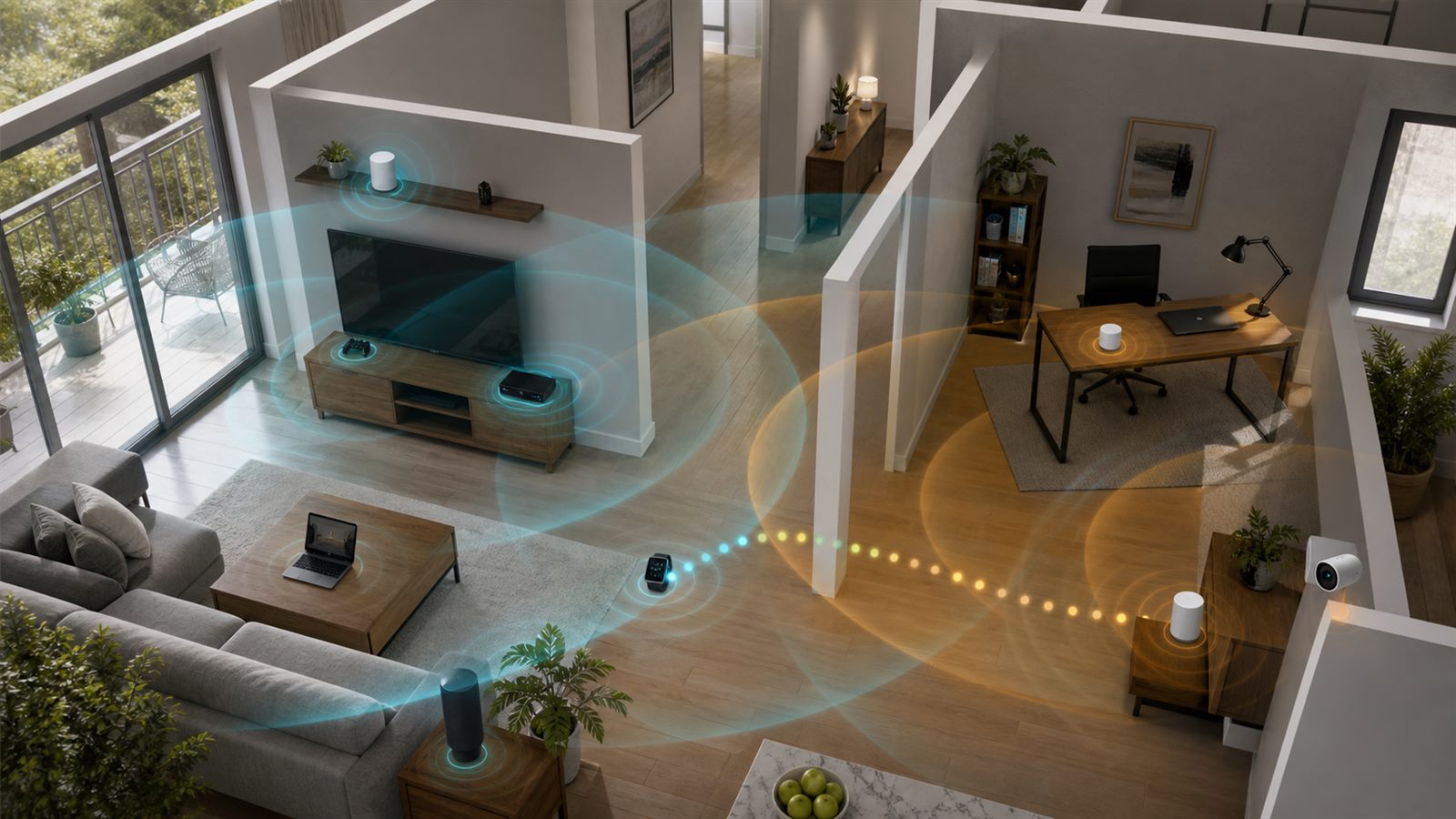
    Mesh systems already place several access points around a building, but they often make local decisions and can compete for the same airtime. Wi-Fi 8 proposals explore tighter multi-access-point coordination so neighboring radios can schedule transmissions, reuse spectrum, steer energy, or reserve access windows more intelligently.

    Coordination can improve consistency in dense deployments, but it requires shared timing, channel information, backhaul capacity, and compatible control. A three-node mesh connected by a congested wireless backhaul may remain limited regardless of its client-facing radio generation. Ethernet or a strong dedicated backhaul can still be the most important upgrade.

    Single-mobility-domain work also aims to reduce interruption as a client moves among access points. The goal is closer to make-before-break behavior, retaining context while a new path becomes available. That could matter for calls, headsets, mobile gaming, and household devices that cross coverage zones.

    Devices carry several radios that can interfere internally

    Modern phones and wearables combine Wi-Fi, Bluetooth, ultra-wideband, cellular, and satellite-related functions in little space. Their radios may share antennas, filters, power budgets, or neighboring frequencies. One connection can disrupt another even when the external network is well designed.

    Wi-Fi 8 development includes improved in-device coexistence so temporary conflicts are coordinated rather than appearing as unexplained packet loss. This is related to the proximity features discussed in our guide to Bluetooth Channel Sounding. More radios can enable useful experiences, but only if the device manages them as one system.

    Draft mechanisms are not universal product requirements

    Vendor technical papers describe candidates such as coordinated scheduling, non-primary access, enhanced long range, and smoother roaming. For example, a detailed Qualcomm technical overview explains how physical- and medium-access-control changes could work, while a MediaTek reliability paper focuses on spectrum access and tail latency.

    These companies participate in the ecosystem and are primary sources for their own proposals, not neutral proof of final performance. Draft features can be optional, combined differently, or implemented with different hardware limits. Certification will establish a common interoperability baseline, but buyers will still need feature-level specifications.

    A Wi-Fi 8 router will not fix every bottleneck

    Internet service speed, modem capacity, Ethernet ports, backhaul, device capability, channel width, interference, placement, and software all constrain the result. Older clients will not gain new radio features merely because the access point supports them. A home may benefit more from relocating a router, adding wired backhaul, or removing an overloaded node.

    Applications also need end-to-end engineering. A smart-home product can have excellent Wi-Fi while its cloud service remains slow or unavailable. That is why Matter ecosystem support, local control, security updates, and device maintenance remain separate purchasing questions.

    How to evaluate future products

    Look beyond a single maximum throughput figure. Useful tests should report latency percentiles, packet loss, roaming interruption, uplink performance, range, power use, multi-client load, and behavior with neighboring networks. Results should identify client hardware, channel width, spectrum band, backhaul, firmware, room layout, and regional settings.

    Buyers should also check final certification, supported bands and channel widths, Ethernet port speeds, mesh backhaul options, security-update policy, and which reliability features both router and client implement. A feature that requires new endpoints will arrive gradually even after certified infrastructure is available.

    What to watch next

    The important milestones are stable IEEE drafts, completion of the amendment, a published Wi-Fi Alliance certification program, interoperable silicon, and independent testing in congested real environments. Watch whether multi-access-point coordination works across vendors and whether edge and roaming improvements survive normal power constraints.

    Wi-Fi 8’s most useful idea is that wireless quality should be measured where connections struggle, not only where they peak. If the standard delivers lower tail latency, fewer losses, smoother movement, and better edge throughput, it may feel faster without relying on one spectacular speed-test number.

    Primary and authoritative sources

  • eSIM Turns Phone Switching Into a Provisioning and Recovery Problem

    eSIM Turns Phone Switching Into a Provisioning and Recovery Problem

    An eSIM removes the small plastic card from phone setup, but it does not remove the carrier, account checks, or activation infrastructure behind mobile service. That is why moving to a new phone can feel instant on one network and become a support case on another. The radio hardware may be ready while the subscription is still waiting to be authorized, downloaded, and installed.

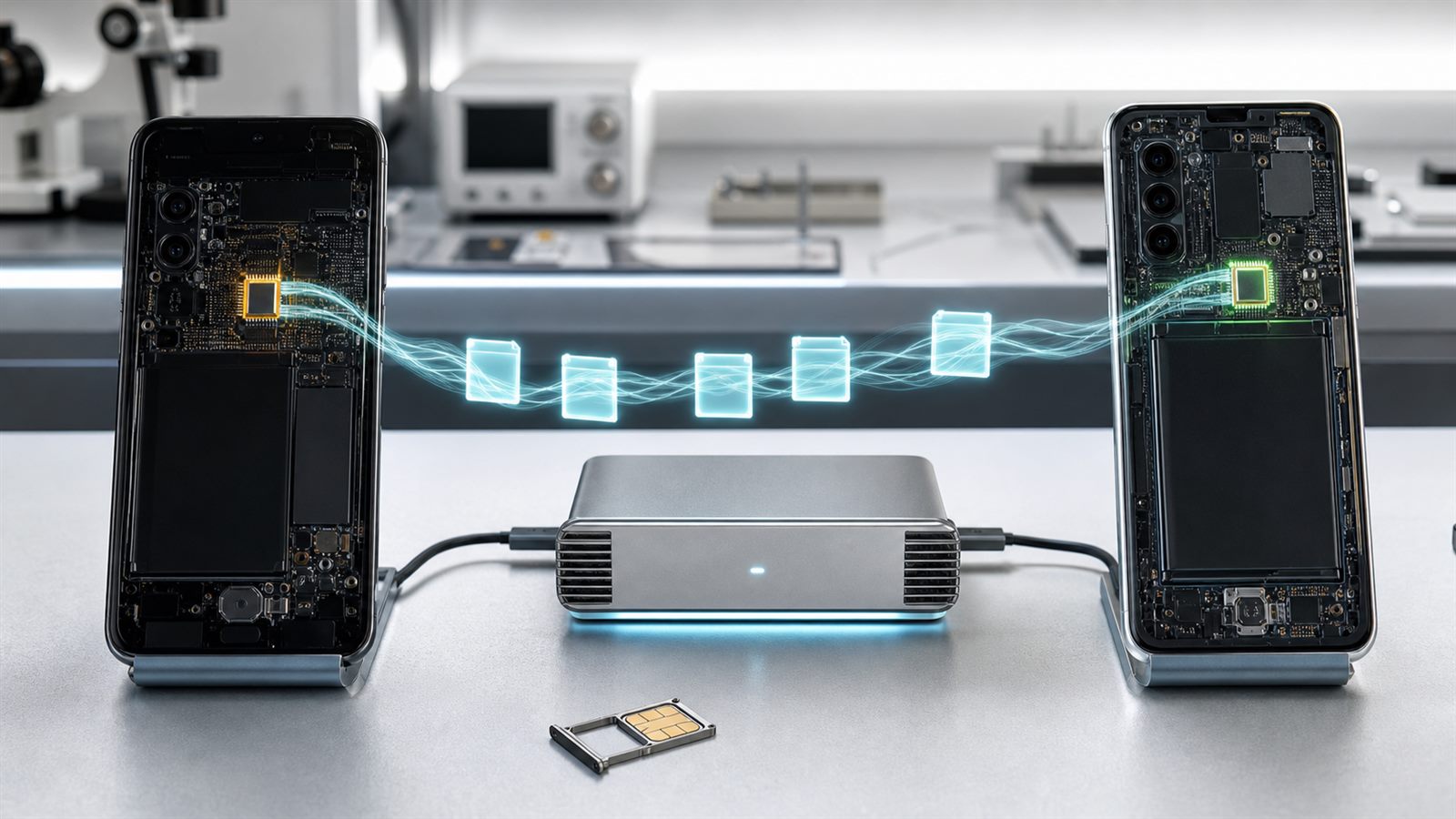
    For consumers, the useful mental model is not “a SIM stored in the cloud.” An eSIM is a secure element in the device that holds carrier profiles. Moving service means coordinating the old phone, the new phone, their operating systems, the carrier’s provisioning systems, and the account owner’s identity. This turns phone replacement into a provisioning and recovery workflow, with consequences for travel, repair, resale, and account security.

    The embedded chip and the subscription profile are different things

    The permanent hardware is called an eUICC. It can securely store and manage one or more operator profiles. A profile contains the credentials and configuration that let the phone authenticate to a mobile network. The GSMA’s consumer architecture also includes a Local Profile Assistant on the device and a carrier-side preparation service commonly called the SM-DP+. The GSMA SGP.22 specification describes this remote SIM provisioning system.

    Downloading a profile is therefore more like securely issuing a credential than copying an ordinary file. The carrier must decide that the subscription is eligible, associate it with the target device, and deliver an activation code or equivalent authorization. The phone then establishes a secure channel to obtain and install the profile. A backup of photos and apps does not necessarily include a transferable copy of that credential.

    Why the same phone can offer several activation paths

    A carrier may assign an eSIM automatically during setup, support direct device-to-device transfer, provide a QR activation code, use its own app, or require manual account service. Apple lists carriers separately according to whether they support carrier activation, Quick Transfer, or other methods. On supported networks, Quick Transfer can move a number from an old iPhone without contacting the carrier. That convenience is an ecosystem integration, not an inherent property of every eSIM.

    Android’s reference transfer architecture makes the dependencies clearer. The target and source devices pair, the system asks which profiles are eligible, the carrier issues a temporary token or activation code, and the target device’s profile assistant downloads the profile from provisioning infrastructure. The Android Open Source Project documentation notes that carrier implementation can make the operation nearly instant or delay it until after device setup.

    Compatibility can vary by carrier, plan type, country, phone model, operating-system version, and whether the move crosses platforms. A phone displaying an “Add eSIM” button proves that it can host a profile; it does not prove that a particular subscription can be transferred automatically.

    A planned upgrade and a broken phone are very different cases

    The easiest move happens while the old phone still works, both devices are available, the account credentials are known, and the carrier recognizes the transfer path. The user can confirm service on the new phone before erasing or trading in the old one. That sequencing matters. Apple’s resale guidance distinguishes erasing device data from erasing an eSIM profile, a reminder that the subscription must be handled deliberately rather than treated like an app.

    A failed, lost, or inaccessible phone removes the source device from the workflow. Recovery may then require the carrier to issue a replacement profile after account verification. The customer may need access to an account email, a carrier PIN, a trusted device, or an identity check. A QR code that was intended for one activation may no longer work. Exact procedures differ, so anyone who relies on one number for work or authentication should learn the carrier’s replacement process before the phone fails.

    This recovery issue intersects with repairability. The EU’s smartphone repair and energy-label rules make hardware longevity easier to compare, but service continuity remains partly controlled by carrier software. A repairable phone is more useful when replacing it, lending it, or moving its number does not depend on a fragile activation path.

    eSIM changes the attack surface, not the need for account security

    An embedded SIM cannot be pulled from a stolen phone and inserted into another device. Remote provisioning also uses protected channels and security-certified components. Those are meaningful advantages. But the valuable asset is often the phone number and the carrier account, not the physical card. If an attacker persuades a provider to redirect the number, the absence of a removable SIM does not prevent the takeover.

    The US Federal Communications Commission’s SIM swap and port-out order requires stronger customer authentication, notifications for SIM-change and port requests, and procedures for responding to fraud. The rules reflect a broader lesson: service transfer must be easy for the legitimate owner without becoming easy for an impersonator.

    Consumers should treat the carrier login, recovery email, account PIN, and any number-transfer lock as parts of the phone’s security boundary. SMS can still be useful, but a phone number is a recoverable carrier service rather than an unchangeable identity key. Important accounts are generally more resilient when they also support authenticator apps, hardware security keys, or platform passkeys.

    Travel profiles are convenient, but labels and defaults matter

    A multi-profile eSIM phone can keep a home number while adding a local or regional data plan. That avoids storing tiny cards and can make comparison easier. It also creates configuration choices: which line provides mobile data, which number handles calls and messages, whether data switching is allowed, and what happens when one plan has no coverage. Roaming charges can still occur if the wrong line remains active for data.

    Travel profiles also vary in what they provide. Some are data-only and do not include a conventional phone number or voice service. Some route traffic through infrastructure far from the user’s location, affecting latency or how websites infer geography. Validity periods may begin at purchase, installation, or first network connection. The profile’s marketing page is not a substitute for checking those operational details.

    A practical phone-switching sequence

    Before changing devices, confirm that the new model supports the carrier’s required bands and eSIM policy. Update both phones, know the carrier account credentials, and keep the old device powered and connected. Start the operating system’s supported transfer flow before wiping anything. After activation, test outgoing and incoming calls, messages, and mobile data. Check which line is the default when the phone holds more than one profile.

    Only after those checks should the old phone be erased or handed over. That order resembles the discipline needed when evaluating USB-C capabilities: a common-looking interface hides different levels of implementation. It also matters for long-lived devices, including phones using higher-capacity silicon-carbon batteries, because a good hardware upgrade is not complete until the service identity moves safely.

    What to watch next

    The next phase is less about putting eSIM hardware in more phones and more about consistent transfer. Watch for broader cross-platform moves, prepaid-plan support, clearer carrier eligibility messages, reliable recovery when the old device is unavailable, and less dependence on single-use codes. Better transfer standards will still require carrier integration, fraud controls, and support procedures that work across borders.

    eSIM can make activation faster and travel more flexible. It can also expose where mobile service is still tied to fragmented provisioning systems. Buyers should judge it by the complete lifecycle: initial activation, routine switching, emergency recovery, repair, resale, and account protection.

    Primary and authoritative sources

  • Silicon-Carbon Phone Batteries Need Lifetime Data, Not Just Bigger Capacity

    Silicon-Carbon Phone Batteries Need Lifetime Data, Not Just Bigger Capacity

    Smartphone makers are using silicon-carbon anodes to fit more battery capacity into thin devices. The result can be a larger milliamp-hour number without a proportionally larger phone, which is especially attractive for foldables and handsets running power-hungry displays, radios, cameras, and on-device AI.

    The name can sound like an entirely new battery chemistry. In most phones, it is better understood as an evolution of lithium-ion engineering: silicon is added to or structured within a carbon-based negative electrode. The advantage comes with a difficult materials problem, because silicon changes size dramatically as lithium enters and leaves it.

    Silicon-carbon is still part of a lithium-ion cell

    A rechargeable phone battery contains a positive electrode, a negative electrode, electrolyte, separator, current collectors, packaging, and protective electronics. Lithium ions move between the electrodes during charging and discharging. In conventional cells, the negative electrode is dominated by graphite.

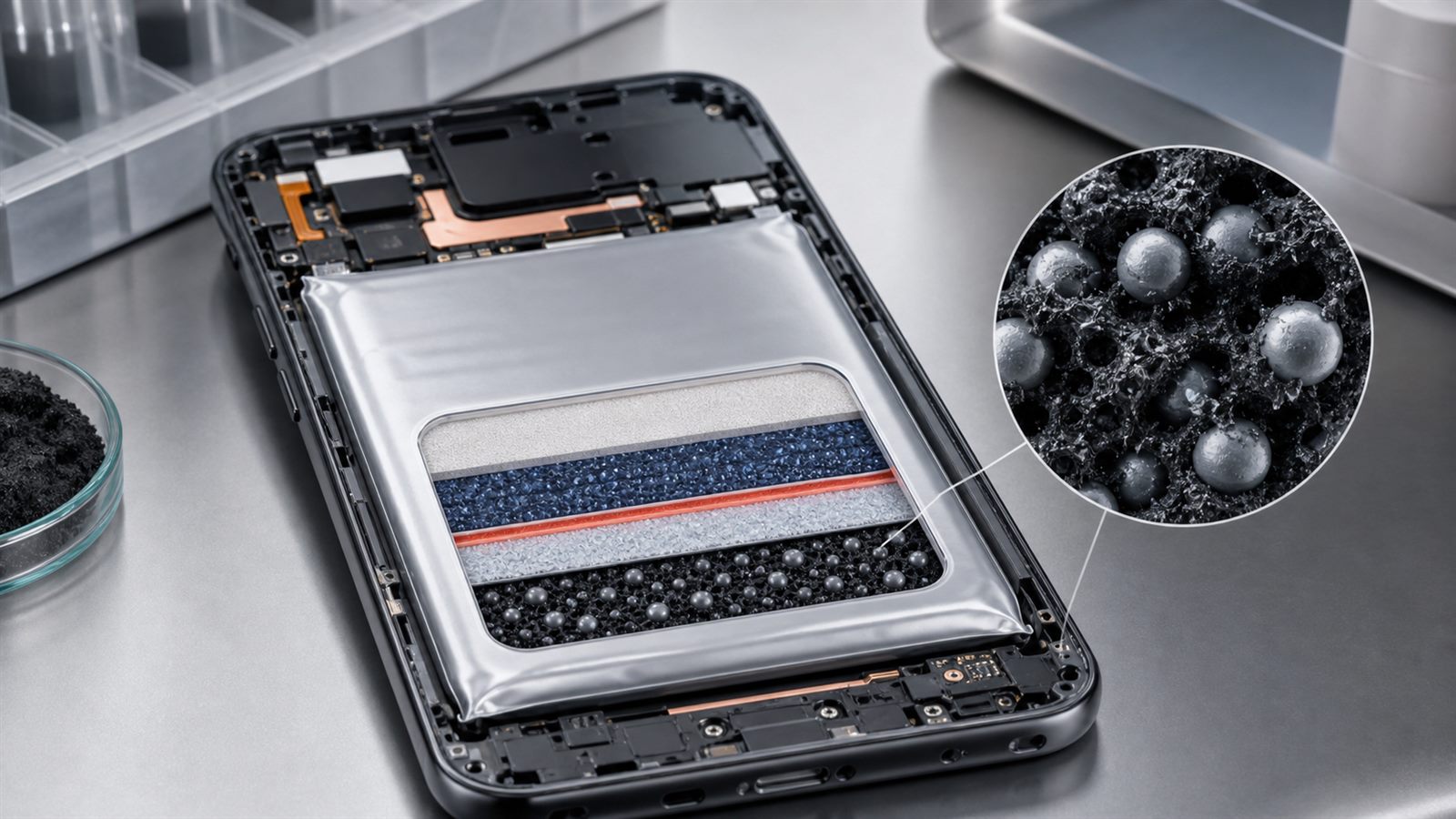
    A silicon-carbon design changes that negative electrode. It may blend silicon particles with graphite and carbon, use silicon oxide, coat silicon with carbon, or build a more elaborate porous structure. Products that share the silicon-carbon label can therefore use quite different material percentages and manufacturing methods.

    Silicon offers more capacity than graphite

    Silicon can host much more lithium per unit mass than graphite. That makes it attractive when engineers want more stored energy without expanding the battery enclosure. Commercial phone pages now explicitly advertise silicon-carbon batteries, and some identify the silicon content of the negative electrode.

    Material-level capacity is not the same as cell-level energy density. A phone battery must include the cathode, separator, electrolyte, tabs, protection, and pouch. Extra structures used to stabilize silicon also occupy mass and volume. The final gain is therefore smaller than a comparison of pure active materials might suggest.

    Expansion is the central engineering problem

    As silicon takes up lithium, it expands; as the battery discharges, it contracts. Repeated dimensional change can crack particles, break electrical contact, and disturb the solid-electrolyte interphase, or SEI, that forms on the anode surface.

    When fresh silicon is exposed, more electrolyte can react to rebuild the SEI. That consumes lithium and electrolyte that can no longer contribute to useful capacity. Mechanical and chemical degradation therefore reinforce each other. This is a good example of why advanced materials quietly determine product performance.

    Carbon provides structure, conductivity, and space

    Carbon can create a conductive network around silicon and help maintain an electrical path as particles change shape. Porous structures, coatings, elastic binders, and carefully selected particle sizes can provide room for expansion or reduce stress concentration.

    There is no free solution. More empty space may reduce the volumetric advantage. Nanostructures can improve mechanical behavior but complicate manufacturing and increase surface area for unwanted reactions. Higher silicon content may raise initial capacity while making lifetime control harder.

    The milliamp-hour number is only one measurement

    Battery capacity in milliamp-hours, or mAh, describes electric charge. Energy in watt-hours also depends on voltage. Two phones with the same advertised mAh can deliver different usable energy because of cell voltage, power-management limits, temperature, and the point at which software shuts the device down.

    Runtime also depends on the phone. Display brightness, modem conditions, processor efficiency, background software, camera use, and local AI workloads can overwhelm a modest cell-level improvement. Capacity should be considered with standardized endurance tests and charging behavior, not treated as a complete battery-life result.

    Cycle life and calendar life are different

    Cycle aging measures degradation as a battery is charged and discharged. Calendar aging occurs while time passes, including while the device is stored or held at a particular state of charge. Temperature and extended time near full charge can influence both conventional and silicon-containing cells.

    Research on silicon-graphite cells has found capacity loss during cycling and measurable degradation during calendar aging. Newer work continues to study how SEI cracking, dissolution, electrolytes, and silicon structure affect both mechanisms. A claim about retaining capacity after a set number of cycles does not by itself describe several years of ordinary use.

    Fast charging adds a second optimization problem

    High charging power creates heat and can produce uneven conditions inside a cell. The anode must accept lithium without harmful deposition, excessive side reactions, or local stress. A larger battery may reduce the effective charge rate for the same charger, but aggressive charging profiles can still trade speed against temperature and aging.

    The cable and connector are only part of this system. As our guide to USB-C capabilities explains, a familiar port does not guarantee a particular power mode. Charger negotiation, cell design, thermal sensors, and battery-management software all determine what the phone can safely accept.

    Battery-management software can hide or preserve capacity

    A phone rarely exposes the full electrochemical range of its cell. The battery-management system sets voltage and current limits, estimates state of charge, balances performance with temperature, and may reserve capacity at the top or bottom of the range.

    Adaptive charging can reduce time spent at a high state of charge by delaying the final portion until the user normally disconnects the phone. Manufacturers can also change charging curves through software updates. These controls may extend life, but they make comparisons difficult when testing methods and default settings differ.

    Safety depends on the complete cell and manufacturing process

    A silicon-containing anode does not automatically make a phone safer or less safe. Separator quality, cathode stability, electrolyte, contamination control, pouch construction, protection circuits, thermal design, and manufacturing consistency all matter.

    Certification tests can address electrical abuse, mechanical stress, temperature, transport, and other defined conditions. They cannot guarantee that every cell will retain a particular capacity for years. Buyers should separate safety compliance, cycle-life claims, and real-world endurance because they answer different questions.

    Repairability changes the meaning of a long-lived phone

    A battery may still be the first major component to wear out in an otherwise capable device. Higher initial capacity can leave more useful capacity after degradation, but a difficult or expensive replacement can still shorten the practical life of the phone.

    European rules now make more smartphone durability and repair information visible, as covered in our article on smartphone repairability and energy labels. Clear replacement pricing, parts availability, software support, and battery health reporting matter alongside anode chemistry.

    How to read a silicon-carbon battery claim

    Start with the rated capacity and device dimensions, then look for energy in watt-hours, charge power, claimed capacity retention, test temperature, number of cycles, and the threshold used to define end of life. Check whether the result covers a finished commercial cell or a small laboratory sample.

    Independent runtime testing should use repeatable workloads and comparable settings. Long-term evidence is more difficult because products change quickly, but transparent battery-health data and replacement policies can reveal whether a manufacturer expects the phone to remain useful beyond the launch cycle.

    Limitations

    Commercial cell formulations are often proprietary. Research on one silicon percentage, particle structure, electrolyte, or cathode cannot predict another product’s lifetime. Laboratory studies may use temperatures, charge rates, cell sizes, and pressure conditions that differ from a smartphone.

    This article is based on published specifications and research, not hands-on battery teardown or longevity testing. Individual product claims need product-specific verification.

    What to watch next

    Watch for manufacturers to publish watt-hours, silicon content, standardized cycle and calendar-aging results, charging curves, temperature behavior, and replacement commitments. Research should increasingly report practical full cells with realistic material loading rather than only favorable half-cell measurements.

    Silicon-carbon anodes can make room for meaningfully larger phone batteries. The technology becomes more valuable when the industry proves that those extra milliamp-hours remain useful after years of heat, charging, storage, and daily cycling.

    Sources: HONOR Magic V3 silicon-carbon battery specification; US Department of Energy report on silicon anode capacity and expansion; Argonne research on cycle and calendar aging of silicon-graphite cells; Nature Energy research on interphase-driven aging in silicon anodes.

  • USB-C Is a Connector, Not a Guarantee of Speed, Power, or Video

    USB-C Is a Connector, Not a Guarantee of Speed, Power, or Video

    USB-C has become the familiar small, reversible connector on phones, laptops, monitors, chargers, and storage drives. That physical consistency is useful, but it creates a misleading expectation: if two plugs fit, people assume the connection will provide the same charging speed, data rate, and video support.

    It may not. USB Type-C defines a connector system. The products attached to it can implement very different data protocols, power levels, and display capabilities. The USB Implementers Forum explicitly says that USB Type-C is not interchangeable with USB 3.2, USB4, or USB Power Delivery. Understanding that distinction prevents expensive cable purchases and explains many apparently broken docks.

    The shape does not identify the protocol

    A basic USB-C cable can carry USB 2.0 data at up to 480 megabits per second while using the same connector shape as a cable built for far higher USB4 speeds. A port may support charging but no display output. Another may carry data, power, and video simultaneously. The connector tells you that the plug is reversible and physically compatible; it does not promise every optional capability.

    The result is a compatibility chain. The host port, peripheral, cable, charger, and software must share the required feature. A 40-gigabit drive attached through a USB 2.0 cable will operate at the slower common capability. A monitor cannot receive video if the laptop’s port does not provide an appropriate display path, even when the cable can carry one.

    Data speed depends on both ends and the cable

    USB generations and marketing names have changed over time, so the most useful label is the actual certified data rate: 5Gbps, 10Gbps, 20Gbps, 40Gbps, or 80Gbps where supported. USB4 can dynamically share a high-speed link among data and display traffic and supports operation up to 80Gbps over a certified 80Gbps cable. That maximum is not available from every USB-C port.

    File transfers also remain below the signaling rate because of protocol overhead and the storage device’s own limits. A fast cable cannot make a slow flash drive faster. For external solid-state drives, buyers should match the drive, computer port, and cable, then judge real transfer tests rather than connector shape.

    Charging wattage is negotiated

    USB Power Delivery is a separate protocol that lets a source and device negotiate supported voltage and current. Current USB PD implementations can reach up to 240 watts in the Extended Power Range, but every charger, cable, and device in the path must support the requested level. The device will normally draw only the power it negotiates rather than being forced to accept a charger’s maximum rating.

    A high-wattage charger therefore does not guarantee high-wattage charging. A laptop may cap input below the charger’s rating, a dock may reserve some power for itself, or a cable may support only a lower level. USB-IF recommends certified cable power labels showing 60W or 240W, which is more useful than an unlabeled connector.

    Some high-power and high-speed cables need electronics

    Full-featured cables can contain an electronic marker that reports cable capabilities during connection. Active cables may also use signal-conditioning electronics to maintain high data rates over a longer distance. These components add cost, and they explain why two similar-looking cables can behave differently.

    The presence of an electronic marker does not itself mean that every feature is supported. It records relevant cable information; the host and device still determine the final connection. Certification and capability logos are better evidence than a vague phrase such as “fast cable.”

    Video is an additional capability

    A USB-C connector can carry display traffic through USB4 or an alternate mode when the hardware supports it. The laptop must be able to output video through that port, the cable must carry the required lanes, and a dock or monitor must accept the format. Resolution, refresh rate, high-dynamic-range data, and simultaneous USB traffic all consume link capacity.

    This is why a cable that charges a laptop may show a blank monitor, or a dock may reduce display capability while a fast storage device is active. USB4’s ability to allocate bandwidth among data and display flows improves flexibility, but it cannot exceed the capabilities of the weakest part of the connection.

    The EU common-charger rule does not make every cable identical

    European rules have expanded the use of USB-C charging interfaces across product categories, including laptops under the applicable schedule. The policy reduces connector fragmentation and supports charger reuse, but it does not erase all differences in power needs or data features. Our guide to the EU common-charger requirements for laptops explains the distinction.

    Consumers can benefit from a common physical interface while still needing a cable suited to a particular job. Charging a phone overnight, running a high-resolution monitor, and copying large video files are different workloads.

    How to choose the right cable

    Start with the task, then work backward. For charging, check the device’s accepted wattage, the charger’s USB PD output for the relevant port, and the cable’s certified power rating. For storage or a dock, check the required data rate. For a display, confirm video support on the computer port, dock, monitor, and cable.

    Prefer short cables when practical for the highest data rates, and look for USB-IF certification marks with explicit speed and power values. Keep high-performance cables labeled at home or in the office. A cable tester can help professionals, but most buyers can avoid confusion by purchasing for a named capability rather than assuming every USB-C cable is universal.

    Wireless charging has a similar gap between physical compatibility and verified performance. The role of certification is discussed in our article on Qi2 25W wireless charging. Connectivity labels also matter beyond cables, as shown by the rules behind outdoor 6GHz Wi-Fi.

    Common troubleshooting sequence

    When a USB-C setup fails, test one variable at a time. Connect the device directly instead of through a dock. Try the known cable supplied with the product. Confirm the port’s data, charging, and video specifications in the computer manual. Check whether a charger splits its power when several ports are occupied. Update dock firmware and operating-system software where the manufacturer provides updates.

    This sequence often reveals that nothing is defective: the connection has negotiated the best capability shared by all components. Replacing only the limiting component is cheaper than replacing the entire setup.

    Limitations

    Labels are improving, but older products, captive cables, regional packaging, and non-certified accessories remain inconsistent. Vendor specifications may describe a port’s maximum without explaining reduced capability when multiple displays or peripherals are attached. Counterfeit certification marks are also possible, so reputable sellers and traceable product documentation matter.

    What to watch next

    Watch for wider use of simple certified speed and wattage logos, more 80Gbps USB4 products, and clearer operating-system reporting of negotiated link speed and charging power. Better visibility would let users diagnose a limitation without guessing which black cable is responsible.

    USB-C succeeds as a common connector. Its next usability challenge is making the capabilities behind that connector just as easy to recognize.

    Sources: USB-IF: USB Type-C Cable and Connector Specification; USB-IF product and packaging language guidelines; USB-IF: USB4; USB-IF: Cables and Connectors.

  • Geofenced 6 GHz Wi-Fi Could Bring Faster Connections Outdoors

    Geofenced 6 GHz Wi-Fi Could Bring Faster Connections Outdoors

    Fast Wi-Fi outdoors has usually involved a tradeoff. Higher-power access points can cover more useful space, but the 6 GHz band is shared with licensed microwave links that support telecommunications, public safety, utilities, railroads, and other infrastructure. Regulators therefore need a way to let unlicensed devices use more power without causing harmful interference to those incumbent systems.

    In January 2026, the US Federal Communications Commission adopted rules for a new device class called geofenced variable power, or GVP. These devices can operate indoors or outdoors in selected parts of the 6 GHz band at higher power than very-low-power devices, but only when a geofencing system says the selected frequency is permitted at that location. The change could improve outdoor wireless products, although it is a regulatory foundation rather than an instant upgrade for existing routers.

    Why 6 GHz is valuable

    The 6 GHz band offers wide blocks of spectrum that can support high-capacity local connections. Wi-Fi 6E opened access to this spectrum for compatible devices, while Wi-Fi 7 adds features designed for higher throughput and more consistent latency. IEEE 802.11be-2024, the technical amendment behind Wi-Fi 7, includes operation across the familiar 2.4, 5, and 6 GHz bands and defines an extremely high throughput mode while maintaining coexistence with older Wi-Fi equipment.

    More spectrum does not automatically produce better coverage. Higher frequencies generally have less range and penetrate obstacles less effectively than lower ones. Wide channels also need enough clean spectrum to be useful. The practical experience depends on the access point, client device, channel plan, local interference, walls, distance, and the wired connection feeding the network.

    What geofencing changes

    The FCC’s order permits GVP operation in the U-NII-5 and U-NII-7 portions of the 6 GHz band. A GVP access point must determine its geographic coordinates and use centrally provided exclusion-zone information. Those zones are calculated to protect licensed fixed microwave receivers. If a device approaches a protected area for a particular frequency, it must change frequency or reduce operation as required by the rules.

    This is different from a simple map stored permanently in a router. The FCC chose a centralized architecture so exclusion zones can be updated. The order also requires a GVP access point to recheck its location often enough to adjust within one second when its location uncertainty area crosses into an exclusion zone. Client devices operate under the control of the access point and at lower authorized power.

    How this differs from existing 6 GHz device classes

    Low-power indoor devices can use the 6 GHz band inside buildings under power and operating restrictions. Standard-power access points can operate under an automated frequency coordination, or AFC, system that checks protected incumbent links. Very-low-power devices can be portable and used indoors or outdoors, but their lower power limits constrain range.

    GVP creates another option. It is aimed at mobile or movable access points that can know where they are and follow exclusion-zone instructions. The FCC order authorizes this class in two sub-bands rather than the entire 6 GHz range. That detail matters: “6 GHz support” on a product label does not tell a buyer which device class, channels, power levels, or locations are available.

    What products could benefit

    The FCC identified use cases including augmented and virtual reality, short-range hotspots, automation, and indoor navigation. In practice, GVP could be useful for managed outdoor campuses, temporary work areas, event spaces, and portable hotspots that need more capacity than very-low-power operation can provide. A location-aware phone or other mobile device could potentially serve as an access point if it meets certification and geofencing requirements.

    That does not mean every current Wi-Fi 7 phone or router can receive the new capability through software. Radio hardware, location accuracy, power control, firmware, geofencing connectivity, and FCC equipment authorization all matter. Manufacturers must build and certify compliant products, while geofencing system operators need approval and reliable data.

    Wi-Fi 7 still depends on both ends

    Wi-Fi 7’s multi-link operation can let compatible devices coordinate links across different bands or channels. That can improve throughput, responsiveness, or resilience, depending on the implementation. But both the access point and client need compatible hardware and software. A new router cannot add Wi-Fi 7 radios to an older laptop, and a 6 GHz link cannot help a device that supports only 2.4 and 5 GHz.

    This mirrors the certification lesson in Qi2 25W Makes Wireless Charging Faster, but Certification Still Matters. A standard describes possible behavior; certification and product implementation show which parts are actually supported. Buyers should look for the exact Wi-Fi generation, band support, regulatory region, and certified features rather than relying on a peak speed printed on a box.

    Location awareness creates new responsibilities

    A geofenced radio needs accurate location information, but that does not mean an application should receive a user’s continuous location history. Product designers need to separate regulatory location checks from unrelated tracking, limit data retention, secure communication with the geofencing service, and explain what happens when location or network data is unavailable.

    The system also needs failure-safe behavior. A device should not continue high-power operation on a protected frequency when it cannot confirm its location or current exclusion zones. Security updates will be important because a compromised location or policy mechanism could undermine the interference protections that make higher-power use possible.

    The rules are US-specific

    Spectrum rules vary by country. The FCC order governs the United States; European regulators divide and authorize 6 GHz spectrum differently. Hardware makers may use common radio components, but firmware and certification can enable different channels and power levels in different markets. Travelers should not assume that a US feature will work abroad, and importing a device does not make its radio settings legal in another country.

    That regional complexity is familiar in connected-device ecosystems. As Matter 1.6 Makes Smart Home Setup More Practical, but Ecosystem Support Still Decides the Experience explains, a common technical foundation does not erase implementation differences. The same is true for wireless spectrum.

    What to watch next

    The next evidence will come from approved geofencing systems, certified GVP access points, and real deployments. Useful reviews should measure range, latency, channel changes near exclusion zones, battery impact, and behavior when location or policy data is unavailable. They should also distinguish the benefit of higher permitted power from the benefit of Wi-Fi 7 itself.

    Geofenced 6 GHz operation is a careful attempt to make shared spectrum more useful. It may enable faster outdoor wireless without clearing licensed services out of the band. The result will depend on certification, secure location-aware controls, and products that implement the rules reliably rather than merely advertising a new acronym.

    Sources: FCC 26-1: Fourth Report and Order and Third Further Notice of Proposed Rulemaking; FCC: Better, Faster Wi-Fi and Next-Generation Connectivity; IEEE 802.11be-2024 standard overview.

  • Bluetooth Channel Sounding Could Make Phones Better at Knowing What Is Nearby

    Bluetooth Channel Sounding Could Make Phones Better at Knowing What Is Nearby

    Bluetooth has spent years connecting headphones, watches, keyboards, trackers, medical devices, and smart-home products. Its next useful trick is not louder audio or another pairing screen. Bluetooth Channel Sounding is about measuring distance more precisely between devices.

    Better distance awareness could improve item finders, digital keys, access control, indoor navigation, and smart-home automation. But as with many consumer electronics standards, the real experience will depend on certification, device support, privacy controls, and how carefully products handle edge cases.

    Channel Sounding Measures Distance

    Bluetooth Channel Sounding is part of newer Bluetooth Core Specification work from the Bluetooth Special Interest Group. The Bluetooth SIG overview describes it as a feature for secure fine ranging, allowing devices to estimate distance using radio measurements.

    The technical idea is that two devices exchange signals and analyze how the radio channel behaves. Depending on implementation, distance can be estimated through phase-based ranging, round-trip timing, or combinations of measurement techniques.

    This is different from simply using signal strength. Received signal strength can be distorted by walls, bodies, antennas, and reflections. Channel Sounding aims to provide a more structured ranging method than guessing distance from a weak or strong signal.

    That does not make every measurement perfect. Small devices have limited antenna space, users put phones in pockets, and indoor environments reflect radio waves in complicated ways. The value comes from a better technical baseline, not from eliminating all uncertainty.

    Why It Matters for Item Finders

    Item trackers are useful until the final few meters. A phone may know that a tag is nearby but still struggle to point the user to a bag under a couch or keys in a jacket. More precise ranging can make that final search less frustrating.

    Bluetooth Channel Sounding could help devices estimate distance without requiring every product to use ultra-wideband hardware. That does not automatically make it equivalent to every UWB experience, but it gives Bluetooth devices a stronger path for proximity features.

    This builds on the consumer-electronics pattern we covered in Auracast broadcast audio: a standard can create new user experiences only when enough phones, accessories, and operating systems implement it well.

    Digital Keys Need Security, Not Just Proximity

    Distance measurement is especially important for digital keys. A car, door, or device should know whether the authorized phone is actually nearby. Weak proximity checks can be vulnerable to relay attacks, where an attacker extends a signal from a legitimate device that is farther away.

    The Bluetooth SIG’s Core Specification 6.0 includes Channel Sounding as a major enhancement. Security still depends on full implementation: cryptographic authentication, ranging accuracy, resistance to manipulation, timeout behavior, and fallback policies.

    A product should not unlock something valuable simply because a signal appears present. Ranging is one layer in a broader access-control system.

    Indoor Location Could Become More Practical

    Bluetooth is already used in beacons and indoor-location systems. Better ranging can improve room-level awareness, asset tracking, and context-aware automation. A smart home might respond differently when a device is near a door, a speaker, or a workstation.

    But indoor radio environments are messy. Walls, metal furniture, human bodies, multipath reflections, and device orientation can affect measurements. Products need to communicate uncertainty and avoid overconfident automation.

    This is similar to our article on Matter smart-home setup. The standard provides a foundation, but the household environment and ecosystem support decide whether the feature feels reliable.

    Certification and Version Support Matter

    Consumers should expect a transition period. A feature added to the Bluetooth specification does not instantly appear in every phone, chip, operating system, app, and accessory. Products must use compatible hardware and software, and ecosystems must expose the feature in useful ways.

    The Bluetooth SIG maintains qualification and specification resources through its specifications hub. Buyers should look for precise feature support, not just a generic Bluetooth logo. A listing that says Bluetooth 6.0 may still require careful reading to understand which capabilities are enabled.

    The same lesson applies to Qi2 wireless charging certification. Standards reduce confusion only when products state exactly what they support.

    Privacy Is a Real Design Issue

    More accurate proximity can be useful, but it can also be sensitive. A system that knows how close devices are to each other may reveal habits, room presence, or movement patterns. Item finding, digital keys, and indoor navigation should be designed with privacy controls from the start.

    Users should be able to manage which apps can use proximity data, when ranging is active, and whether logs are stored. Products should minimize data collection and avoid turning every nearby interaction into a cloud event.

    Security and privacy will be especially important for shared homes, workplaces, schools, and public venues where many devices overlap.

    What to Watch Next

    Watch phones, chipsets, operating systems, item trackers, smart locks, and automotive digital-key systems for explicit Channel Sounding support. Also watch independent reviews that test range accuracy in real homes, vehicles, pockets, bags, and crowded indoor spaces.

    Bluetooth Channel Sounding is a practical consumer-electronics upgrade because it addresses a common problem: devices need to know not just that something is nearby, but how nearby. The useful products will be the ones that combine ranging with security, privacy, and clear compatibility.

    Early buyers should be especially careful with digital-key and security products. Convenience features are attractive, but access-control claims should be backed by explicit support statements, update policies, and independent testing rather than a generic Bluetooth version number.

    Sources and Further Reading