
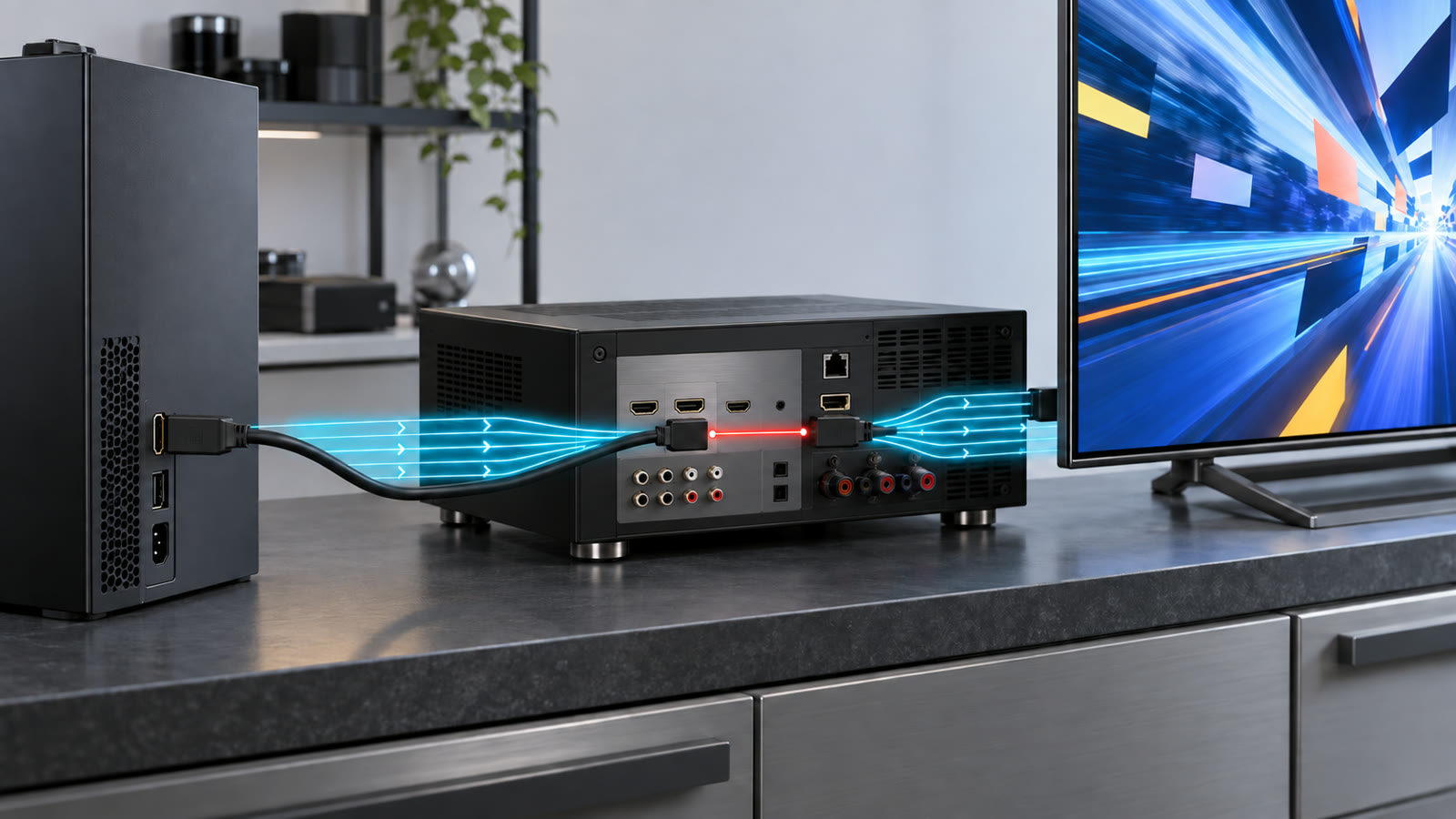
A television, game console, and AV receiver can all advertise a recent HDMI specification and still refuse the video mode a buyer expects. The connector fits, the picture appears, yet 4K at 120 frames per second may be unavailable, high dynamic range may fall back to a lower color format, or variable refresh rate may disappear when the signal passes through a receiver.
The reason is simple: an HDMI specification version describes a large toolbox, not one mandatory feature bundle. The final result depends on the source, every intermediate device, the selected ports, the cable, the display, and the exact video format. A version number is the start of a compatibility check, not the conclusion.
The connector, specification, and implementation are separate
The familiar Type-A connector has remained physically compatible across many HDMI generations. That continuity is useful, but it means identical-looking ports can support very different signaling rates and features. A port’s shape cannot reveal whether it uses older transition-minimized differential signaling, newer Fixed Rate Link channels, or a particular maximum bandwidth.
This is similar to the confusion around USB-C capabilities: a common connector does not guarantee a common data rate, power level, or video mode. Product documentation must identify what the implementation actually supports.
HDMI 2.1 features are optional
HDMI Licensing Administrator addresses the issue directly in its official explanation, What Does It Mean When Gear Is Marketed as an HDMI 2.1 Product? It states that support for each HDMI 2.1 feature is optional and that specification version numbers are not feature sets. Manufacturers are expected to list the supported features alongside a version claim.
That means a product associated with HDMI 2.1 does not automatically provide the specification’s maximum 48 gigabits per second, 4K at 120 Hz, Variable Refresh Rate, Auto Low Latency Mode, Quick Frame Transport, enhanced Audio Return Channel, or every dynamic-HDR capability. It may implement some, many, or only a limited subset.
A video mode is a bandwidth budget
Resolution and refresh rate are only two parts of the signal. Color depth determines how many bits describe each channel. Chroma sampling controls how much color detail is transmitted relative to brightness detail. Blanking intervals and signaling overhead also consume link capacity.
A 4K 120 Hz signal at 10-bit color with full 4:4:4 chroma needs far more bandwidth than 4K 120 Hz at 8-bit color with 4:2:0 subsampling. Display Stream Compression can fit some demanding formats into a lower transport rate, but both endpoints must support the relevant compressed mode. A menu that offers the resolution may therefore change color depth or chroma behind the scenes.
TMDS and FRL are different transport modes
Earlier high-speed HDMI links commonly use TMDS, with up to 18 Gbps associated with the Premium High Speed cable category. That is sufficient for many 4K 60 Hz configurations, including HDR when the format fits the available bandwidth.
HDMI 2.1 introduced Fixed Rate Link, or FRL, with multiple link rates up to 48 Gbps. The official HDMI 2.1 release identifies 4K120 and 8K60 among the higher formats enabled by the specification. A device can still use compatible older transport behavior for less demanding modes, so the phrase HDMI 2.1 alone does not prove that a particular port implements the fastest FRL rate.
The slowest component sets the result
A direct source-to-display connection has three main elements: the source port, the cable, and the display port. A soundbar, switch, capture device, wall plate, extender, or AV receiver adds another input, output, and processing stage. Every stage must pass the requested timing and feature.
If an AV receiver accepts 4K120 on only some inputs, connecting the console to another input creates a bottleneck. If the receiver passes the picture but not VRR metadata, the display cannot restore VRR later. Audio Return Channel runs in the opposite direction and has its own requirements, so successful video transport does not by itself prove that eARC audio will work.
Firmware and settings also matter. Some televisions reserve full-bandwidth operation for selected ports or require an enhanced-input mode. Receivers can have per-input format settings.
Gaming features are separate from pixel bandwidth
Variable Refresh Rate changes display timing to follow the source’s rendered frame rate. Auto Low Latency Mode signals that a display should enter an appropriate low-latency mode. Quick Frame Transport reduces the time required to transmit an individual frame at a given timing. These features solve different problems and must be supported across the relevant chain.
The official HDMI gaming overview lists VRR, ALLM, and QFT separately. A port can have enough raw bandwidth for 4K120 without implementing every gaming feature. Our deeper guide to variable-refresh-rate behavior also explains that feature presence does not guarantee flicker-free or low-latency performance across the entire refresh range.
HDR support needs more than a link that passes pixels
HDR combines signal format, metadata, color processing, and display capability. An intermediate device must preserve the required format and metadata, while the panel still needs enough brightness and local contrast.
Our article on HDR monitor brightness claims separates peak highlights from sustained full-screen output. HDMI compatibility can deliver the intended signal; it cannot upgrade the physical display.
Certified cables solve one part of the chain
The Ultra High Speed HDMI Cable certification program covers cables designed for systems up to 48 Gbps. Every length of a certified model must pass testing at an authorized test center, carry a verification label, and remain subject to compliance audits. A certified cable is a stronger signal than an unofficial “8K” description.
Certification proves cable performance under the program’s tests; it does not add FRL or VRR to a source or display. Cable length, installation bends, adapters, and active or optical cable direction can still matter. Troubleshooting should begin with a known certified cable and a direct connection, then add intermediate devices one at a time.
HDMI 2.2 raises the ceiling, not every product
The current HDMI 2.2 overview doubles the specification’s maximum bandwidth to 96 Gbps through next-generation FRL and introduces Latency Indication Protocol for synchronization across complex systems. The Ultra96 designation is intended to identify products supporting maximum rates of 64, 80, or 96 Gbps.
A new Ultra96 cable category supports the 96 Gbps ceiling, while existing Ultra High Speed cables remain appropriate for systems that require up to 48 Gbps. The distinction reinforces the practical rule: identify the required video format and the supported bandwidth of each product rather than buying by version number alone.
A practical compatibility checklist
Start with the exact output format and feature set you want. Check the source’s port table, not only its headline specification. Check which display inputs support the required rate, VRR range, HDR mode, and eARC behavior. If there is an intermediate device, verify both its input and output capabilities for the same mode.
Use the official HDMI cable categories and a verifiable certification label. Update firmware, enable any enhanced-port settings, and test a direct connection. If the mode works directly but fails through a receiver or switch, the intermediate stage is the likely constraint. If dropouts occur only at high data rates, substitute a shorter certified cable before blaming software.
Limitations and what to watch next
Published specifications cannot guarantee interoperability among every device combination. Firmware bugs, inaccurate capability data, marginal signal integrity, and format negotiation can still cause failures. Marketing terms such as “8K ready” or “next generation” are less useful than a table of tested timings and features.
Watch for clearer Ultra96 labeling, broader 96 Gbps device support, and better disclosure of per-port bandwidth. Until then, the best buying question is not “Which HDMI version does it have?” It is “Can every part of this chain carry this exact video and audio mode?”
Featured image: AI-generated editorial illustration of a source, receiver, cable, and display bandwidth chain, not a test of a specific consumer product.
Leave a Reply