
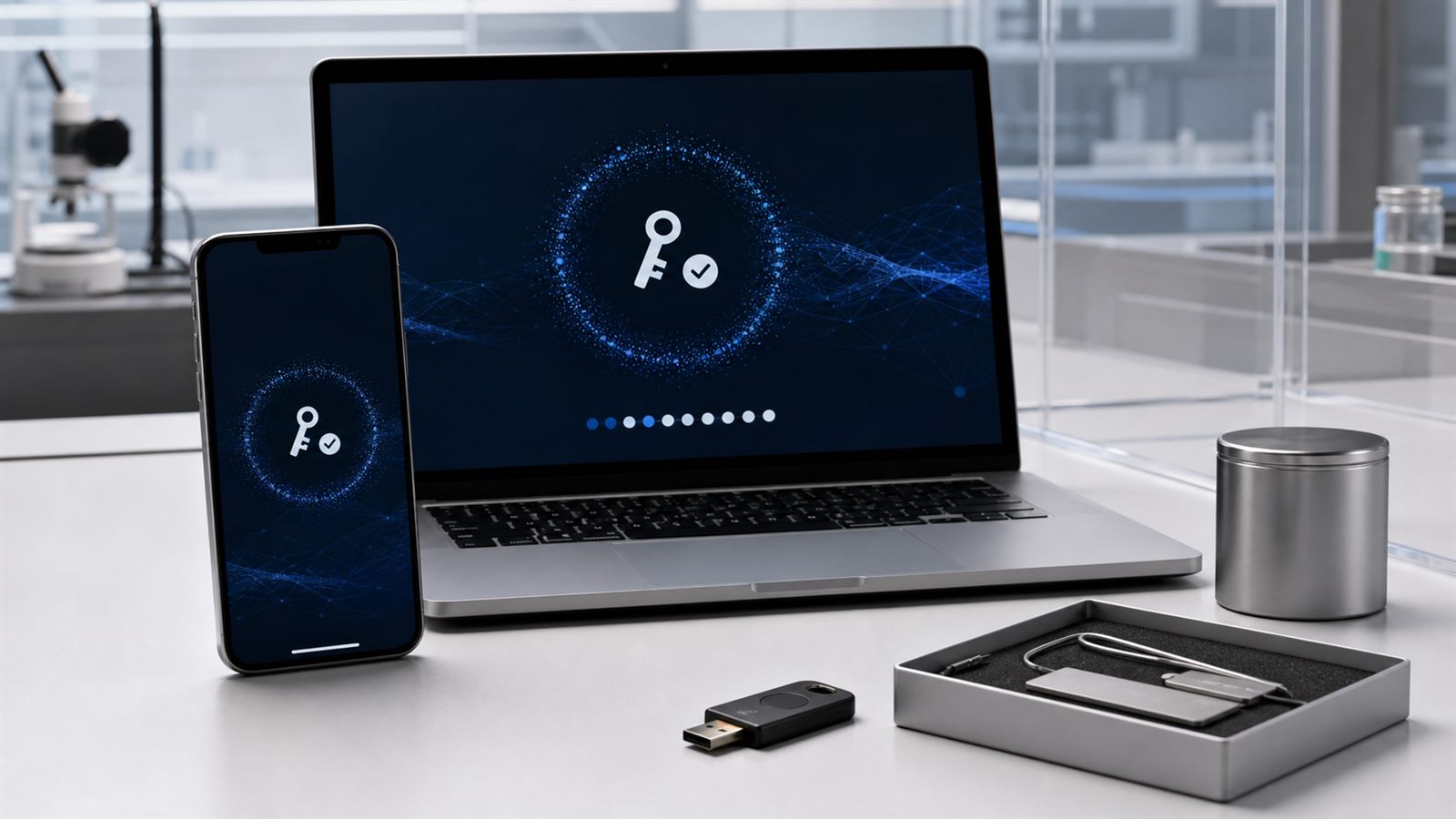
Passkeys are one of the strongest practical replacements for passwords. They use public-key cryptography, work with the screen lock already protecting a phone or computer, and are designed to resist phishing. A fake login page cannot simply collect a passkey and replay it on the real site the way it can steal a password or a one-time code.
That does not make the entire account secure. The strongest sign-in method can be undermined by a weak recovery path. If a service lets an attacker reset a passkey with an easily hijacked email account, an SMS code, or personal information, the attacker may bypass the passkey instead of breaking it. Passkey adoption therefore shifts part of the security problem from remembering secrets to managing devices, provider accounts, and recovery.
How a passkey differs from a password
A password is a shared secret. The user knows it, and the service stores information that lets it verify the same secret. That creates several familiar risks: people reuse passwords, attackers steal password databases, and fake sites can trick users into typing credentials.
A passkey uses a cryptographic key pair. The service keeps the public key, while the private key stays with the user’s authenticator, such as a phone, computer, password manager, or hardware security key. During sign-in, the service sends a challenge and the authenticator signs it. The private key is not sent to the website. A fingerprint, face check, or device PIN usually unlocks local use of the credential; according to the FIDO Alliance, biometric data remains on the device rather than being sent to the remote service.
Why passkeys resist phishing
NIST’s current digital identity guidance describes phishing resistance as an authentication protocol preventing useful secrets or authenticator outputs from being disclosed to an impostor verifier. WebAuthn, the browser standard used by passkeys, binds a credential to the relying party’s domain. A passkey created for one legitimate domain will not authenticate a lookalike domain controlled by an attacker.
This protection does not depend on a user noticing a slightly misspelled address. The protocol enforces the boundary. NIST also notes that passwords are not phishing-resistant, and manually entered one-time codes are not considered phishing-resistant because an attacker can relay them to the real service.
Synced and device-bound passkeys solve different problems
A synced passkey can be made available across a user’s devices through a passkey provider. That improves convenience and reduces the risk of losing access when a phone breaks. A device-bound passkey remains on one authenticator, such as a hardware security key or a managed enterprise device. It can offer stronger control over where the private key exists, but it requires more deliberate backup and replacement planning.
Neither model is automatically right for every account. A consumer service may prioritize easy recovery and cross-device use. A high-assurance enterprise may require managed, device-bound credentials. The important point is for the service to know what assurance it needs and for the user to understand where credentials are stored.
Recovery is the real stress test
People lose phones, replace laptops, switch platforms, forget provider-account credentials, and sometimes lose access to every registered device. A service needs a recovery process, but that process should not quietly become a weaker second login system. Attackers frequently target customer support, mobile-number transfers, and email resets precisely because primary authentication is harder to defeat.
A robust design can allow several recovery options without relying on one fragile channel. Users might register passkeys on more than one device, keep a hardware security key in a safe place, or store single-use recovery codes offline. A service can add waiting periods, notifications to existing devices, risk checks, and stronger identity verification for unusual recovery attempts. Recovery should also create a clear audit trail and revoke credentials that may have been lost.
What services need to implement
Adding a “create passkey” button is only the visible part of the work. Services need credential-management pages that show when passkeys were created, let users name and remove them, and explain what will happen on a new device. They should support more than one passkey per account and avoid forcing users back to a password for routine device changes.
Fallback methods need the same scrutiny as the primary method. An account protected by a passkey but recoverable through a weak security question is not meaningfully passwordless. This is similar to the system-boundary problem described in AI Agent Protocols Are Becoming Infrastructure, but Not a Trust System: a strong protocol does not secure every connected component.
What users can do now
When a service supports passkeys, create more than one recovery route before an emergency. Keep at least two trusted devices or add a hardware security key for important accounts. Protect the passkey provider account with strong authentication, review its recovery email and phone number, and remove old devices that are no longer controlled.
Users should also keep device security current. Passkeys do not protect an account from malware that controls an already unlocked device or from a stolen authenticated session. Software updates, full-disk encryption, a strong device PIN, and remote-device removal still matter. The broader software risks discussed in Memory-Safe Languages Are Becoming a Cybersecurity Requirement do not disappear when passwords do.
Limitations and remaining attack paths
Passkeys reduce credential phishing and password reuse, but they do not verify that a transaction is wise. A scammer may persuade an authenticated user to transfer money or disclose information. Malware may abuse a logged-in session. A compromised service can still expose personal data even if it cannot leak reusable password hashes.
Organizations also need to monitor enrollment and recovery as part of their exposure-management program. A sudden new passkey, recovery from an unusual location, or removal of every older credential can be a security signal. This operational view fits the continuous approach described in CTEM Turns Vulnerability Management Into Continuous Exposure Reduction.
What to watch next
The next stage of passkey adoption will be judged by portability, recovery quality, and transparent credential management rather than sign-in demos. Watch for safer movement between passkey providers, consistent support across browsers and apps, clearer assurance information for organizations, and recovery flows that do not fall back to phishable credentials.
Passkeys solve an important problem: they remove a reusable secret from ordinary sign-in and bind authentication to the real service. That is a substantial improvement. The remaining challenge is to make the entire account lifecycle, especially recovery, as strong as the passkey itself.
Sources: NIST SP 800-63B-4: Authenticators; NIST: Authentication and Authenticator Management; FIDO Alliance: Passkeys; FIDO Alliance guidance on replacing password and OTP authentication.
Leave a Reply